
Move WordPress from shared hosting to VPS with a controlled cutover
VPS moves promise control — but manual migrations to unmanaged servers cause downtime. SiteSkite restores from backup to your VPS WordPress install so you validate before switching traffic.
7-day trial · No credit card required
Shared hosting to VPS — where manual migrations break
More server control. More variables. Same WordPress fragility.
VPS moves need WordPress ops — not just sysadmin
Provisioning the server is half the job. The other half is proving WordPress, plugins, and SSL work before clients notice.
- PHP 8.x breaks legacy plugins that worked on shared hosting.
- nginx vs Apache rewrite rules break permalinks.
- SSL and reverse proxy misconfiguration causes mixed-content warnings.
- No staging path means VPS becomes the test environment.
Backup restore plus Sandbox validation closes the gap between server provisioning and WordPress go-live.
Controlled VPS cutover
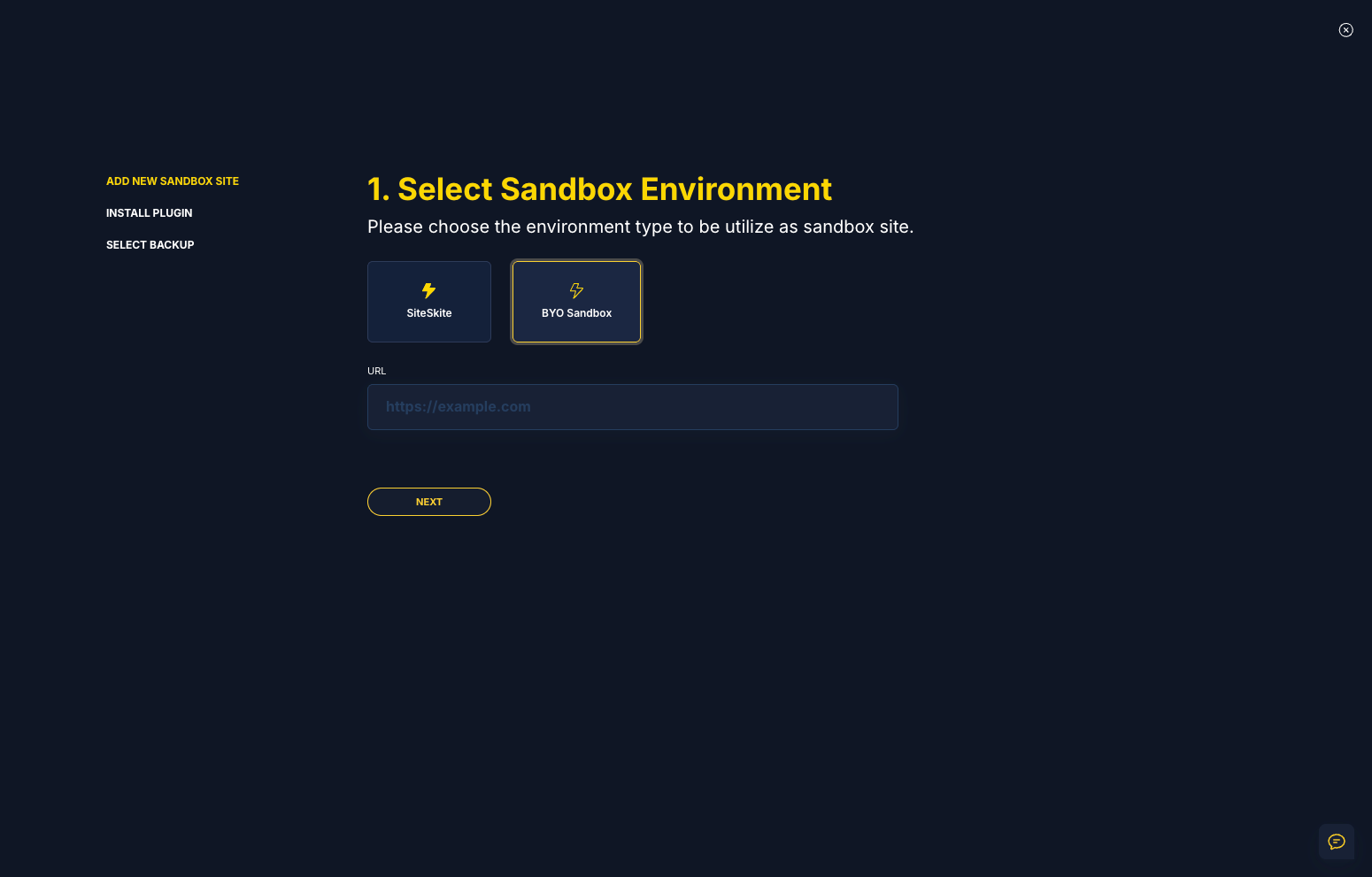
Restore to VPS WordPress, debug with Pretty Logs, validate in Sandbox, then switch DNS.
- Backup restore to fresh VPS WordPress install.
- Pretty Logs for PHP fatals without SSH log hunts.
- Performance validation for Core Web Vitals post-move.
- Sandbox rehearsal before DNS cutover.
Prove the stack on VPS before traffic arrives.
VPS migration friction
More control on the server — more ways manual migration fails.
PHP and server config mismatches
Works on shared hosting, breaks on VPS.
SSL and reverse proxy setup
Certificate issues surface after DNS switch.
Requires sysadmin + WordPress skills
Most teams have one — not both.
VPS migration workflow
Provision VPS → install WordPress → restore → tune → DNS.
Provision VPS WordPress
Install WordPress and SiteSkite on VPS.
Restore from backup
Migrate site package to VPS.
Sandbox validation
Test plugins and performance on new stack.
DNS cutover
Point domain after sign-off.
Relevant features
Controlled moves to self-managed infrastructure.
A developer moved a client site to VPS manually — white screen from PHP version mismatch.
Backup migration with Sandbox validation caught incompatible plugins before production DNS.
“VPS control is useless if migration is guesswork.”
Moving WordPress to a VPS?
Restore from backup and validate before you point DNS.
Start your free trialFrequently asked questions
Ready to run WordPress like an operation?
Connect your first site in minutes. Sandbox, backups, monitoring, and recovery included on paid plans.