
Migrate WooCommerce to a new host without losing orders or catalog
WooCommerce migrations carry commerce data — products, orders, customers. SiteSkite backup-based migration preserves store integrity with validation before DNS cutover.
7-day trial · No credit card required
Why WooCommerce host moves fail
Catalog size and payment integrations turn small mistakes into revenue loss.
Store migrations are not brochure migrations
A missed table, wrong gateway URL, or broken SSL on checkout destroys trust faster than any marketing campaign rebuilds it.
- Large product databases timeout on manual exports.
- Order history and subscription data require complete database restore.
- Payment plugins need webhook and SSL revalidation on the new host.
- Staging checkout with live gateways is risky without a proper test environment.
- Peak-season migrations amplify every mistake.
Treat WooCommerce migration like a production deployment — with rehearsal and rollback.
Store-grade backup migration
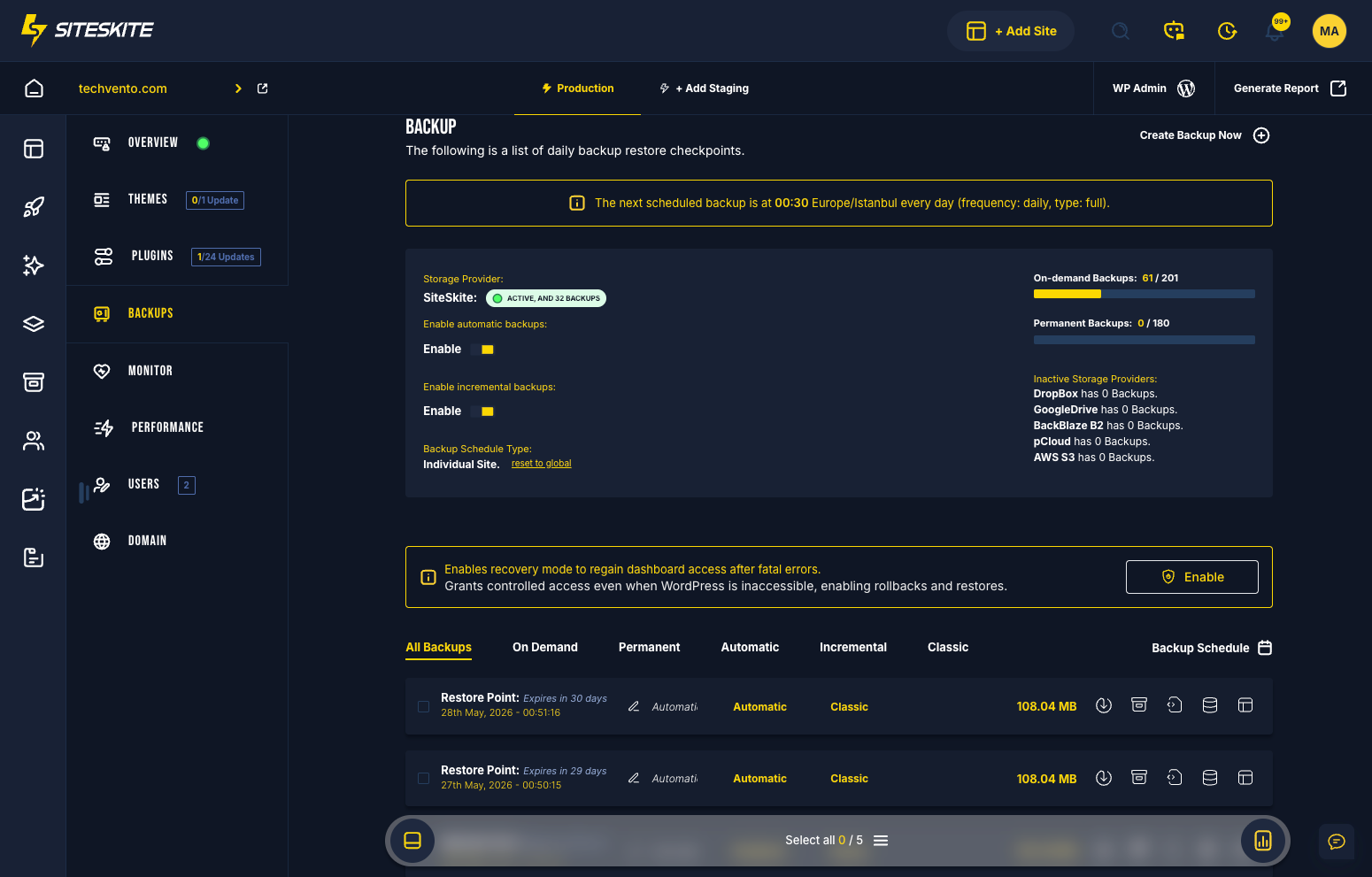
Incremental backups for large catalogs. Full restore. Commerce QA in Sandbox before go-live.
- Incremental backup strategy for growing product databases.
- Full database restore — orders, customers, products intact.
- Sandbox checkout validation with test gateway credentials.
- Rollback path if a plugin breaks post-cutover.
- DNS and TTL planning for low-downtime windows.
Protect revenue first. Migrate second. Cut over only after checkout passes QA.
WooCommerce migration pitfalls
Catalog size and serialized data make store moves harder than brochure sites.
Order data integrity
Broken migrations lose order history — a compliance and support nightmare.
Large databases timeout
Manual exports fail on stores above a few GB.
Checkout breaks post-move
Payment gateway URLs and SSL must be validated before go-live.
WooCommerce migration approaches
What store operators need beyond file transfer.
| Approach | Manual / legacy | SiteSkite |
|---|---|---|
| Order data | Often incomplete | Full DB restore |
| Large catalogs | Export timeouts | Incremental backups |
| Checkout QA | Tested on live | Sandbox validation first |
| Rollback | Manual plugin hunt | One-click rollback |
WooCommerce migration workflow
Incremental backup → restore → commerce QA → DNS.
Incremental backup
Capture large catalog efficiently.
Restore to destination
Migrate files and database to new host.
Commerce QA
Test cart, checkout, and emails in Sandbox.
Go live
DNS cutover after validation.
Relevant features
Store-grade migration path.
A 35GB WooCommerce store failed manual migration twice.
Incremental backup restore on SiteSkite succeeded with checkout validated in Sandbox first.
“We treated migration like a deployment — with a rollback plan.”
Migrating a WooCommerce store?
Backup, restore, validate checkout — then switch DNS with confidence.
Start your free trialFrequently asked questions
Ready to run WordPress like an operation?
Connect your first site in minutes. Sandbox, backups, monitoring, and recovery included on paid plans.