
Your website is critical infrastructure treat it that way
You should not need a developer on retainer for every plugin update. SiteSkite gives site owners automated backups, uptime alerts, safe updates, and emergency recovery — so a broken plugin does not become a business crisis.
7-day trial · No credit card required
What goes wrong without a care system
Most owners discover maintenance gaps when the site is already down.
Hope is not a backup strategy
Deferred updates. Untested backups. Panic when wp-admin locks out.
- Updates deferred until hacks happen.
- Backups never tested.
- White screen = Google rabbit hole.
Your website is critical infrastructure — treat it that way.
Simple owner protection
Connect → protect → update safely → recover.
- Automated backups.
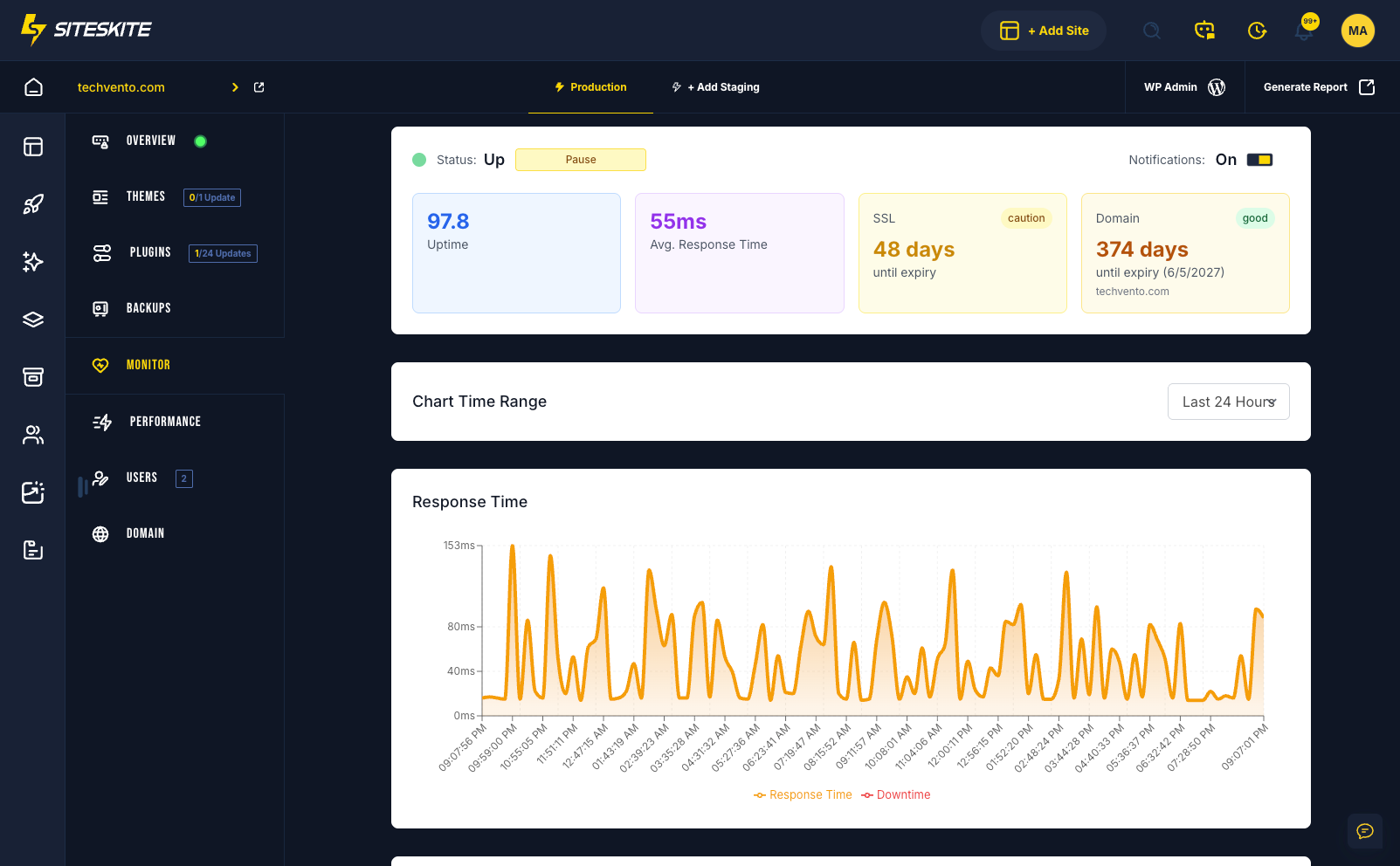
- Uptime monitoring.
- Staging and rollback.
- Safe Mode emergencies.
Peace of mind without becoming a WordPress expert.
What goes wrong without a care system
Most owners discover maintenance gaps when the site is already down.
Updates deferred until something breaks
Outdated plugins are how sites get hacked — not bad luck.
Backups that were never tested
A backup you cannot restore is not a backup.
Panic when wp-admin locks out
White screen moments should not start with googling FTP tutorials.
Simple owner workflow
Connect → protect → update safely → recover if needed.
Link your site
Install the SiteSkite connector on your WordPress site.
Enable backups & monitor
Schedule backups and get alerts when the site goes down.
Update with confidence
Use staging or rollback when you change plugins or themes.
Recover emergencies
Safe Mode and restore points when something goes wrong.
What site owners get
Peace of mind without learning server administration.
A small business owner relied on a freelancer for updates. When the freelancer was unavailable, a plugin conflict took the site offline for two days.
SiteSkite backups and Safe Mode let the owner restore access and roll back the plugin without waiting for emergency support.
“I finally have a backup plan that is not hope.”
Frequently asked questions
Ready to run WordPress like an operation?
Connect your first site in minutes. Sandbox, backups, monitoring, and recovery included on paid plans.