
Recover a Hacked WordPress Site clean restore — not just malware scan
WordPress hack recovery starts with a known-clean restore point — SiteSkite backups let you roll back to pre-infection state, then harden with staged updates instead of endless malware roulette.
7-day trial · No credit card required
Why hacked WordPress sites stay hacked
Partial cleanup leaves backdoors. Restore from clean backup does not.
Malware cleanup is incomplete by default
Scanners miss obfuscated PHP. Reinfection happens within days.
- SEO spam and redirects damage search trust.
- Backdoors survive partial file deletes.
- Clients and customers see defacement for hours.
A clean backup restore is faster than forensic file hunting.
Restore clean. Rotate credentials. Harden.
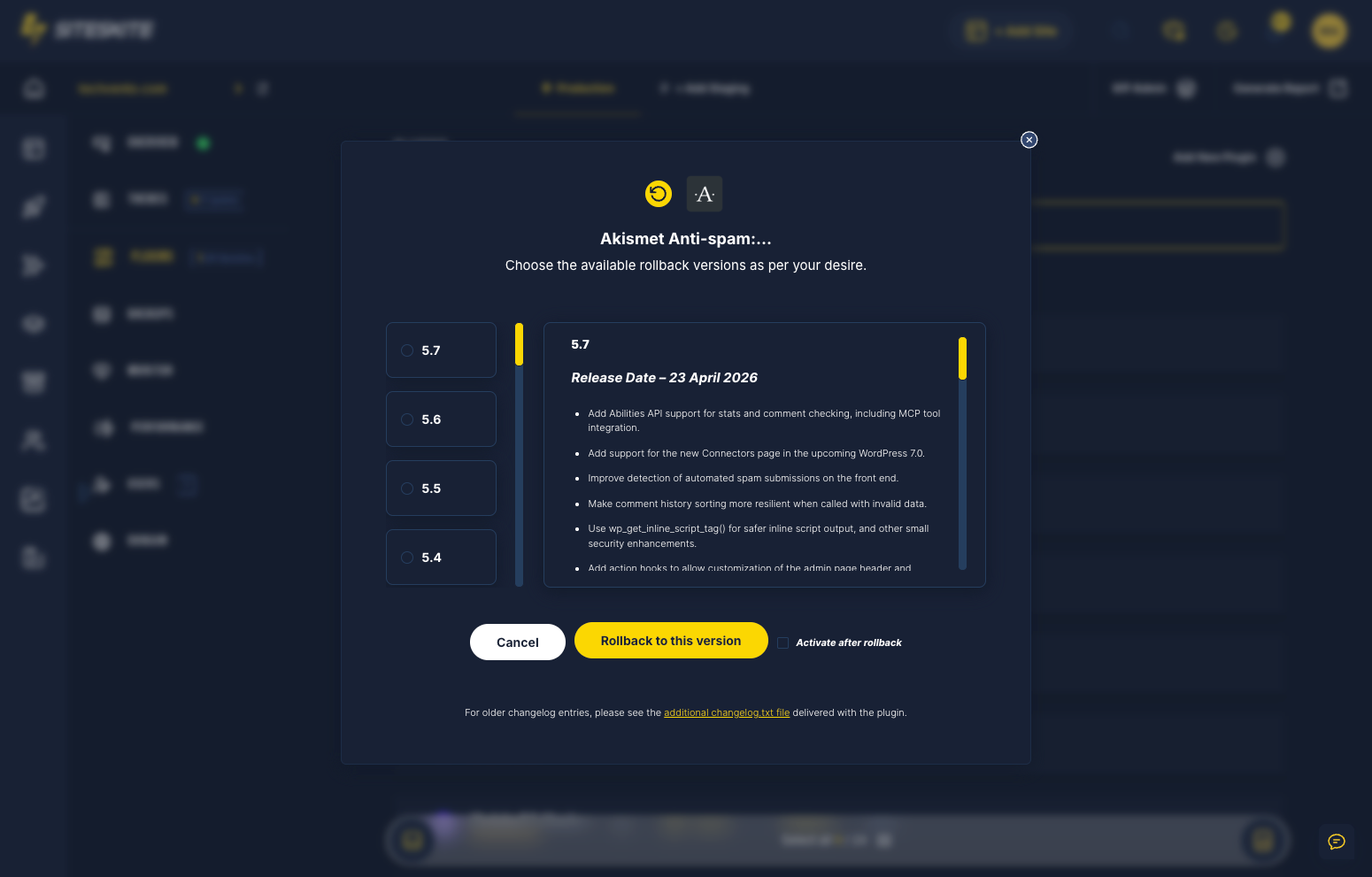
Pick pre-infection restore point, restore, rotate all access, stage future updates.
- Restore from verified backup.
- Rotate admin, SFTP, and DB passwords.
- Sandbox before re-enabling vulnerable plugins.
- Monitor with BirdEye post-recovery.
Recovery is not cleanup — it is returning to known-good state.
Why this happens
Panic traffic deserves a calm, proven playbook — not forum roulette.
Malware reinfection loops
Cleaning live files misses hidden backdoors.
SEO spam and redirects
Search penalties linger after partial fixes.
Client and customer trust
Every hour hacked damages brand reputation.
Recovery workflow
Stabilize → diagnose → restore → prevent repeat.
Isolate site
Take site offline or enable maintenance if needed.
Restore clean backup
Pick pre-infection restore point.
Rotate credentials
Reset admin, SFTP, and database passwords.
Stage updates safely
Sandbox before re-enabling vulnerable plugins.
Hack recovery stack
Restore, credentials, monitoring.
Clean restore
Pre-infection backup point.
Sandbox QA
Test patches safely.
SiteSkite recovery tools
Built for the moment everything breaks.
After hack recovery
Teams report faster clean recovery.
- Restore beats scanner-only cleanup.
- Credential rotation prevents reinfection.
- Staging discipline reduces repeat incidents.
A small business site was defaced with pharma spam — hosting support suggested reinstall.
Restore from 5-day-old SiteSkite backup recovered clean site; credential rotation prevented reinfection.
“Backup beat malware scanner roulette.”
Site hacked?
Restore from your last clean backup and rotate credentials immediately.
Start your free trialFrequently asked questions
Site down right now?
Connect your first site in minutes. Sandbox, backups, monitoring, and recovery included on paid plans.