
Your team, your clients, one secure workspace
SiteSkite Teams & Users lets you invite staff, contractors, and clients into your workspace — assign roles, set granular permissions, and control site access without sharing your password or exposing billing.
7-day trial · No credit card required
Why Teams & Users?
Agencies and growing businesses need centralized collaboration — role-based access, client-safe dashboards, and instant control when people join or leave.
No shared passwords
Every person gets their own login with the permissions you define — revoke access instantly when a project ends.
Role-based control
Owner, Admin, Team Member, or Client — each role sees only what they need, from full workspace ops to view-only reports.
Client-safe access
Give clients restricted dashboards for their sites and reports — billing and other clients' data stay hidden by default.
User roles in SiteSkite
Four access levels — from full workspace ownership to client view-only dashboards.
Owner
Full control — billing, sites, users, backups, templates, reports, and API access. One owner per workspace.
Admin
Manage sites, backups, reports, and users (when permitted). Cannot modify billing or delete the workspace unless allowed.
Team Member
Work on assigned sites — reports, templates, backups, and monitoring. No billing or unassigned site access.
Client user
View their site(s), client reports, uptime alerts, and backups (if allowed). No other clients, billing, or global settings.
Workspace-wide or per-site access
Assign the right scope for admins, internal staff, contractors, and clients.
Workspace-wide access
For admins and internal staff — all sites, reports, backup settings, API automations, and marketplace templates in one scope.
Per-site access
For clients or restricted members — specific sites only, with view-only, report-only, backup, restore, or monitoring permissions.
Granular permissions
Enable or disable abilities per user — billing access stays off by default.
Site operations
View site details, manage plugins and themes, and access monitoring settings per assignment.
Backups & restore
Configure backups, trigger restores, and share restore visibility with clients when appropriate.
Reports & templates
Generate and view PDF reports, install marketplace templates, and control automation access.
Billing (restricted)
Billing and subscription visibility is strictly off by default — enable only when you explicitly allow it.
How to add a team member
Invite, assign, and manage users from Teams & Users in your SiteSkite workspace.
Open Teams & Users
Go to Teams & Users in your SiteSkite workspace and start a new invitation.
Invite & assign role
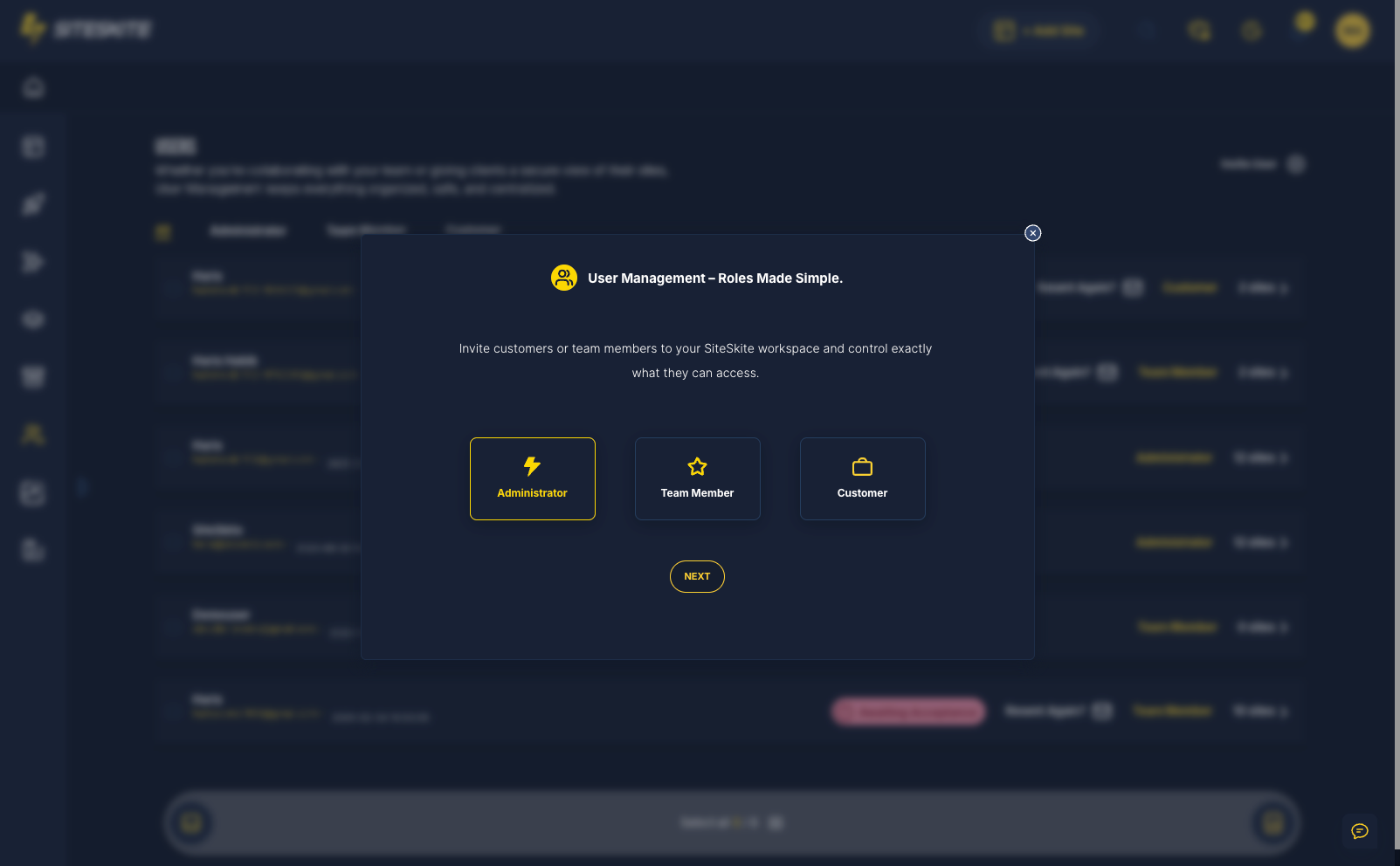
Enter their email, choose Owner, Admin, Team Member, or Client, and set workspace-wide or per-site access.
Set permissions
Toggle view, backup, restore, reports, templates, and monitoring — keep billing off unless required.
User accepts invite
They receive an email, click Accept Invite, create a password if new, and join with assigned permissions.
Update or remove
Change roles, sites, or permissions anytime — remove a user and they lose access instantly.
Built for how you work
Teams & Users scales from solo operators with contractors to agencies managing dozens of client sites.
Agencies
Add developers, designers, and support staff. Give clients restricted access while your team shares responsibility across the portfolio.
Freelancers
Grant temporary access to contractors for a project — remove them cleanly when work is done.
Client work
Let clients view reports and uptime for their sites without editing settings or seeing other accounts.
Collaborate without compromise
SiteSkite keeps workspace access encrypted, auditable, and revocable — designed for agencies handling sensitive client infrastructure.
Security highlights
Role-based access control with zero shared passwords and instant revoke when someone should no longer have access.
- Zero shared SiteSkite credentials
- Billing hidden from clients and team by default
- Instant revoke when removing a user
- Activity logs and encrypted workspace data
Ideal when you
- Run an agency with multiple staff touching client WordPress sites
- Need client portals without full dashboard access
- Onboard contractors for short-term projects
- Want per-site permissions instead of all-or-nothing sharing
Teams & Users is included in your SiteSkite plan
Invite your team and clients on the same WebOps layer you use for linked sites, backups, monitoring, and portfolio control.
7-day trial · No credit card required