
Migrate WordPress without the weekend war room
Host migrations fail when they are manual SQL exports and prayer. SiteSkite migrates from backup to destination server with a guided workflow — files, database, and configuration handled in one operational path.
7-day trial · No credit card required
Migration improvisation
Every custom migration is a new failure mode.
Manual exports at scale
FTP, SQL, search-replace — error-prone and slow.
- Large sites timeout.
- WooCommerce data integrity risk.
- No rehearsal environment.
Backup restore is the migration engine.
Deployment-grade migration
Backup → restore → validate → cutover.
- Guided host migration.
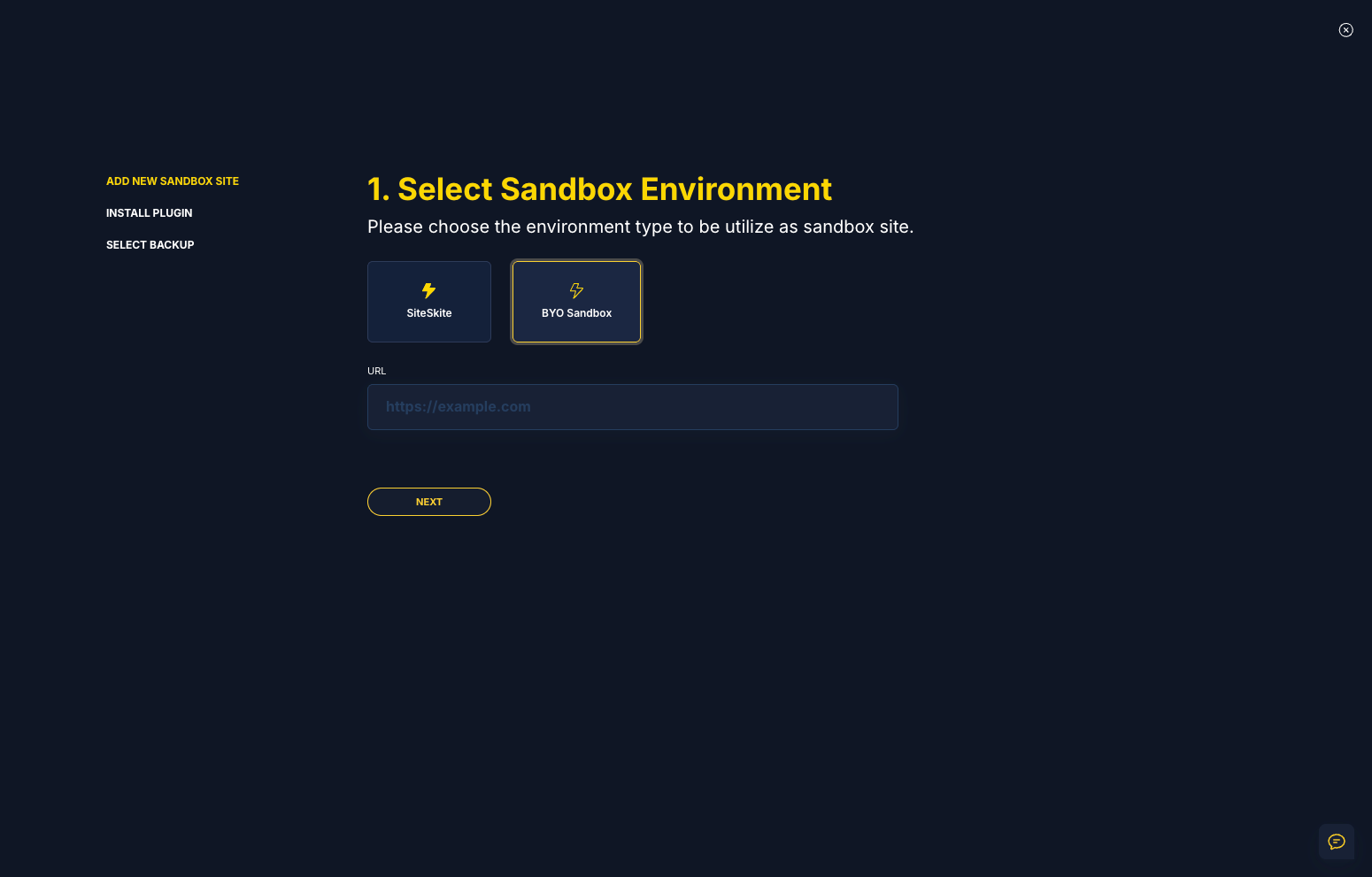
- Sandbox dress rehearsal.
- TTL planning.
- BirdEye post-cutover.
Same playbook for every move.
Migration pain points
Every host move is a high-stakes deploy.
Extended downtime windows
Manual migrations drag on while DNS and revenue wait.
Broken serialized data
URL mismatches and corrupt dumps break sites silently.
No rollback if new host fails
Without backup discipline, you cannot undo a bad migration.
Migration workflow
Backup → prepare destination → restore → verify.
Full backup
Capture current state before any move.
Prepare destination
Install connector on new host WordPress.
Migrate from backup
Restore files and database to destination.
Verify & cut DNS
Test in Sandbox or staging before go-live.
Why SiteSkite for this workflow
Operational discipline beats improvised heroics.
Migrate to host
Backup-based moves.
Relevant features
Migration as a repeatable operation.
What changes when the workflow is standard
Teams report less panic and more predictable delivery.
- Agencies migrate clients on schedule — not panic.
- Store migrations validate checkout before DNS.
An agency migrated a 40GB WooCommerce site manually — 36 hours downtime.
Backup-based SiteSkite migration cut the window and provided rollback if the new host misconfigured PHP.
“Migration became a workflow — not a fire drill.”
Frequently asked questions
Ready to run WordPress like an operation?
Connect your first site in minutes. Sandbox, backups, monitoring, and recovery included on paid plans.