
Every client site one operational layer
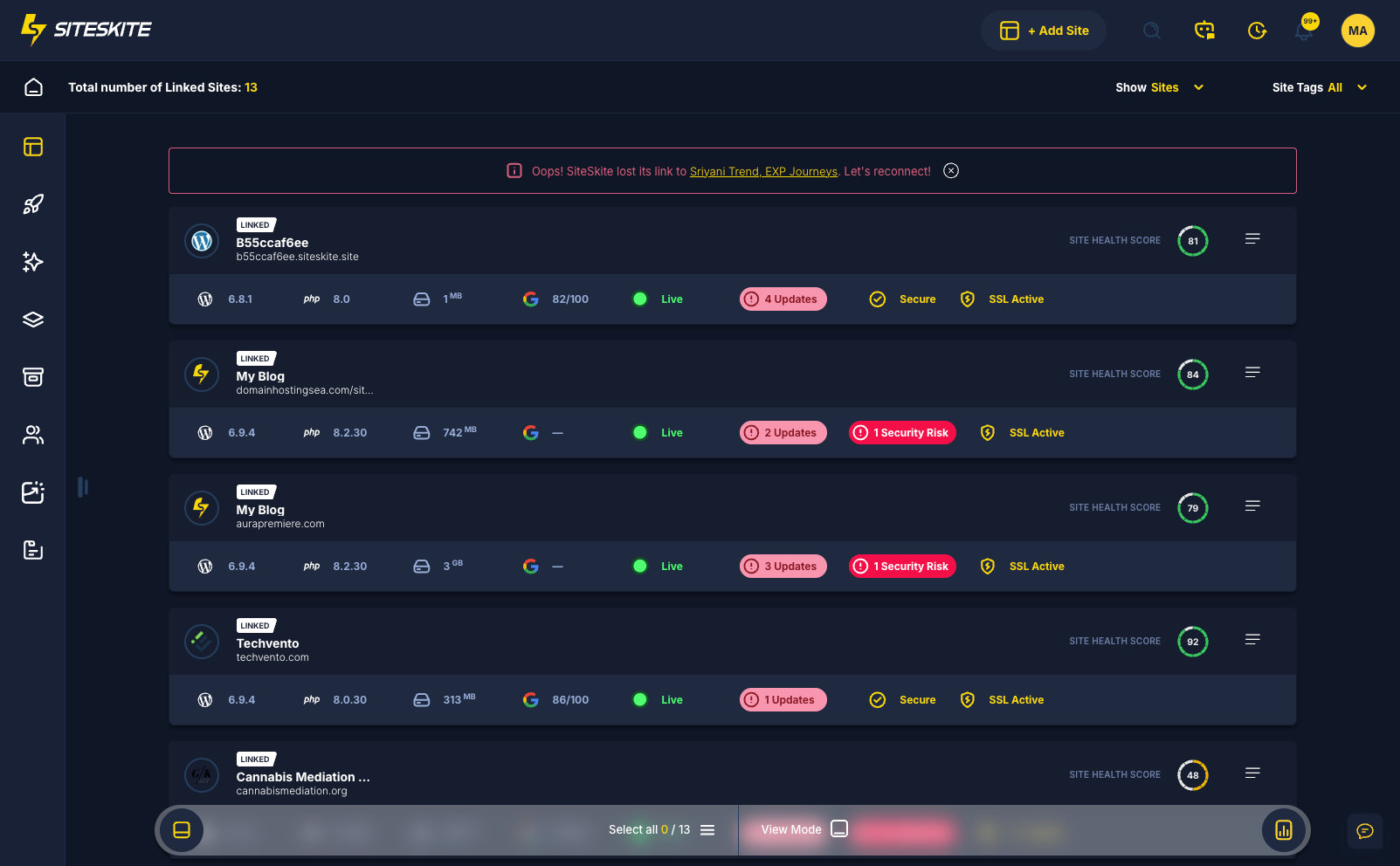
Stop logging into twenty wp-admin panels. SiteSkite links client sites into one portfolio with team roles, one-click admin login, and shared maintenance workflows.
7-day trial · No credit card required
Client management friction
You cannot fix what you cannot see across accounts.
Credential chaos at scale
Shared passwords and ad-hoc access do not scale.
- Twenty logins per maintenance day.
- Clients see too much or too little.
- No portfolio risk view.
One layer beats twenty dashboards.
Portfolio control plane
Link, role-scope, monitor, operate.
- One-click wp-admin login.
- Client role invitations.
- BirdEye portfolio pulse.
- Batch maintenance.
Manage the portfolio — not the logins.
Client management friction
Context-switching kills margin and hides portfolio risk.
Credential chaos
Shared passwords and browser bookmark farms do not scale.
Clients see too much — or too little
Scoped access prevents accidents and builds trust.
No portfolio view
You cannot fix what you cannot see across all accounts.
Client site workflow
Link → organize → operate → report.
Link sites
Batch-connect client WordPress installs.
Tag & group
Organize by client, tier, or project.
Operate centrally
Updates, backups, and monitoring from BirdEye.
Invite stakeholders
Client roles with scoped permissions.
Why SiteSkite for this workflow
Operational discipline beats improvised heroics.
Linked sites
All clients in one workspace.
Teams
Scoped roles per operator.
Relevant features
Portfolio control for agencies and operators.
What changes when the workflow is standard
Teams report less panic and more predictable delivery.
- Onboarding new clients takes minutes.
- Operators see portfolio risk before opening individual sites.
A freelancer lost hours weekly switching between client logins.
Linked sites and one-click login reclaimed billable time and reduced missed updates.
“One dashboard replaced a folder of saved passwords.”
Frequently asked questions
Ready to run WordPress like an operation?
Connect your first site in minutes. Sandbox, backups, monitoring, and recovery included on paid plans.