0
Vulnerabilities detected
Solutions by role
Use cases
Migration & recovery
Industries
Automation & AI
Control & ops
Reliability
Infrastructure
Launches, upgrades, and newsletter-style stories about what we shipped on the platform.
Read the news
Every plugin update on a live store is a revenue risk. SiteSkite gives WooCommerce operators sandbox staging, rollback-safe updates, incremental backups, and recovery — so maintenance never becomes a Black Friday outage.
7-day trial · No credit card required
Checkout downtime has a price tag — measured in orders, not page views.
Payment plugin updates on live traffic. Backups that cannot handle catalog size. No staging path.
Every plugin update on a live store is a revenue risk.
Stage → update → monitor → rollback — with backups sized for catalogs.
Treat WooCommerce maintenance like operating a payment system.
WooCommerce sites need the same operational discipline as production apps — test before deploy, backup before change, recover in minutes not days.
Live totals from the platform layer. Last updated 12hr ago.
Vulnerabilities detected
Plugins updated
Data backed up (cumulative)
Sandbox sites live right now
Validate payment plugins, shipping rules, and theme changes in isolation before they touch checkout.
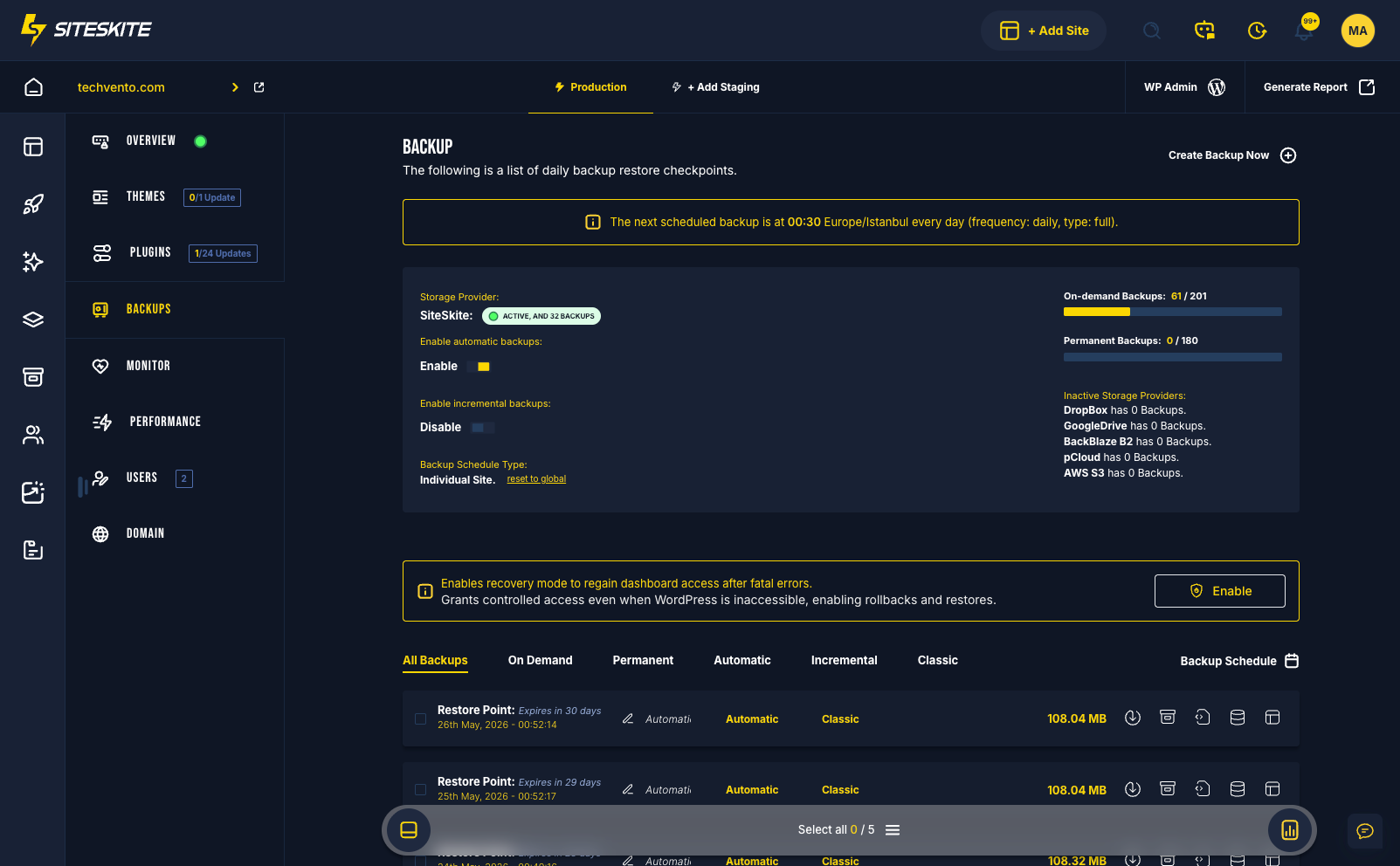
Classic and incremental backups with BYO cloud storage — restore product data and orders when migrations or updates go wrong.
When an update breaks the cart, roll back the plugin version without rebuilding the store from scratch.
Store owners and agencies lose revenue when WordPress workflows treat a shop like a brochure site.
Payment gateway updates on live traffic are how stores lose orders — and trust — in minutes.
Large product databases need incremental strategy and restore confidence — not hope and manual SQL.
Fatal errors during peak season should not require FTP archaeology while sales walk away.
From linked store to safe change — without touching live checkout first.
Connect WooCommerce production and staging environments in one workspace.
Schedule backups, uptime checks, and performance signals in BirdEye.
Clone from backup or use staging to validate plugin and theme batches.
Push updates with Smart Engine bulk tools and instant rollback if checkout breaks.
Operational tools built for stores — not brochure sites.
After moving to sandbox-first updates and rollback on SiteSkite, the team tests every commerce plugin batch in isolation — zero checkout incidents in the following quarter.
“We treat every plugin update like a deployment — because it is.”
Connect your first site in minutes. Sandbox, backups, monitoring, and recovery included on paid plans.
Your websites stay protected with automated updates, backups, and real-time monitoring.
One dashboard to handle all your WordPress sites—saving hours every week.
From single users to agencies, SiteSkite grows with your business needs.
Manage your WordPress sites smarter. Start your 7-day free trial and experience automated monitoring, backups, and full site control with SiteSkite.