
Bulk WordPress ops, handled intelligently
SiteSkite Smart Engine analyzes connected sites and automates routine maintenance — bulk plugin and theme operations across hundreds of sites in one click, with safe sequencing, rollback guardrails, and hosting-aware execution.
7-day trial · No credit card required
Why Smart Engine?
Managing dozens or hundreds of WordPress sites should not mean fragile bulk updates, noisy alerts, or tasks that fail on low-resource hosting. Smart Engine runs silently in the background so your WebOps stays smooth.
Bulk at scale
Run a single operation — update, rollback, add, or remove plugins and themes — across hundreds of linked sites without opening each dashboard.
Intelligent by design
Updates run sequentially, conflicts are avoided, and tasks adapt when hosting limits or error signals appear — not brute-force scripts.
Always on
Smart Engine is built into SiteSkite architecture. No toggles, no extra setup — it powers core automation from day one.
What Smart Engine does
Four automation layers that keep updates, monitoring, and scanning reliable — even on busy or low-resource servers.
Smart update handling
Runs updates safely and sequentially, pauses on error signals, alerts when an update looks unsafe, and ensures rollback points exist before changes.
Smart monitoring decisions
Detects false positives, rechecks downtime before alerts fire, reduces noise, and prioritizes incidents that actually need attention.
Smart resource handling
Adapts tasks for 30s execution limits, 128–256 MB RAM, and slow I/O — chunking work, retrying lightweight ops, and using alternative REST endpoints.
Smart plugin & theme scanning
Lists and scans plugins and themes via REST in smaller loads — accurate version checks without heavy admin-ajax or loading full WP admin modules.
Benefits for your portfolio
Smart Engine is the reliability layer behind SiteSkite automation — built for agencies and operators who cannot afford surprise breakages.
Faster, controlled updates
Bulk updates with sequencing and pre-checks — less manual clicking, fewer conflicts.
Fewer update breakages
Rollback safety and pause-on-error logic reduce the risk of a bad deploy taking sites offline.
Efficient monitoring
Alerts when real downtime happens — not every blip or false positive from shared hosting.
Smoother multi-site management
Scales maintenance for agencies managing large portfolios without proportional overhead.
No technical setup
Runs automatically in the background. Smart Engine is on by default for every linked site.
Where you'll see Smart Engine
It powers reliability across core SiteSkite automation — not a separate module you configure.
Update & rollback engine
Bulk plugin and theme updates, rollbacks, and delete operations use Smart Engine sequencing and safety checks.
Monitoring & downtime
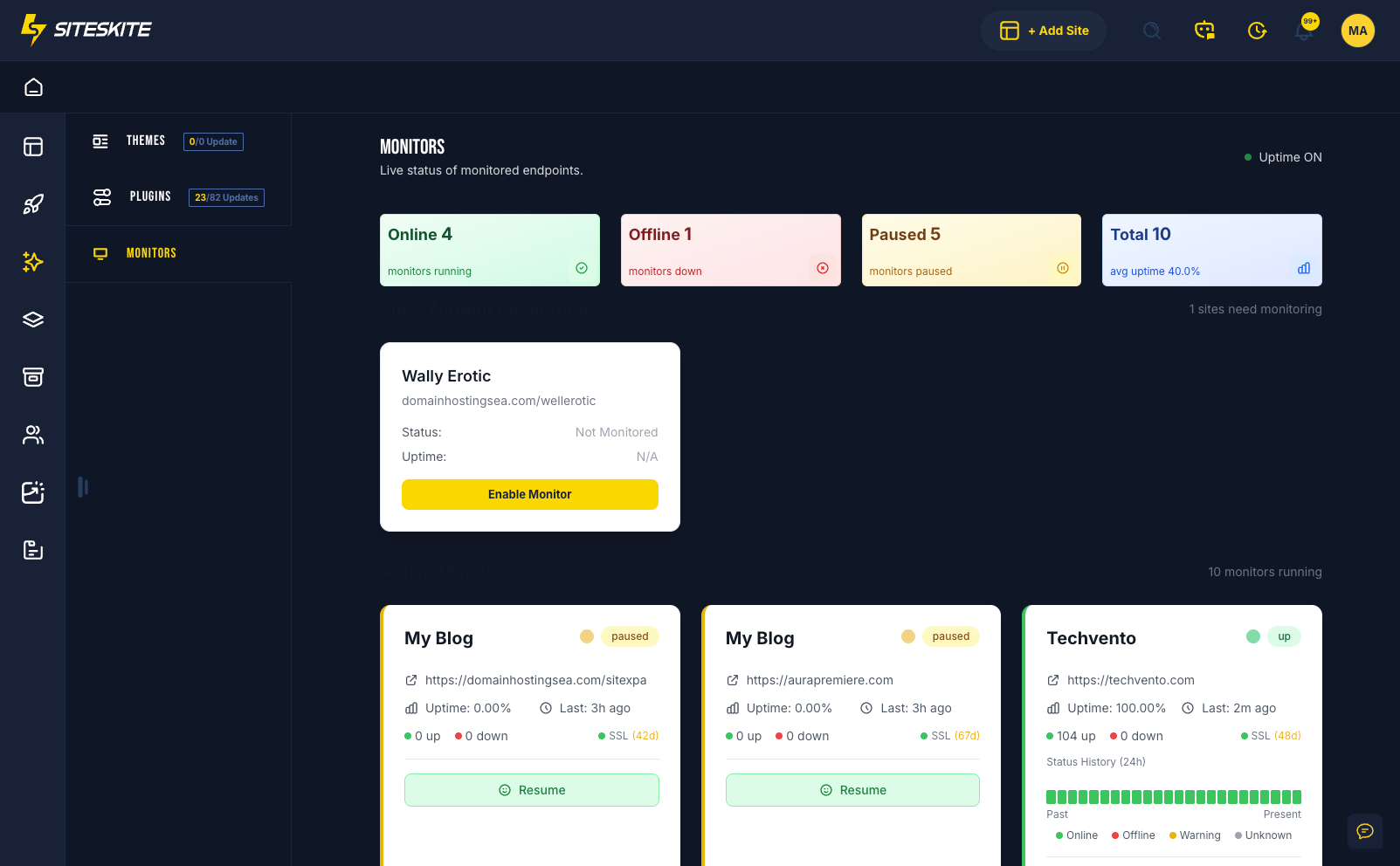
SiteSkite Monitor uses Smart Engine logic to recheck incidents and cut alert noise before you or clients see them.
Plugin & theme operations
Scanning, listing, and version checks stay fast and accurate even when servers are under load.
How Smart Engine works
Always active behind the scenes — from analysis to safe execution.
Analyze site context
Smart Engine reads site signals, hosting constraints, and pending operations before any task runs.
Adapt execution
Tasks are chunked, retried, or routed through lighter REST paths when resources are limited.
Execute safely
Updates and scans run in controlled order with rollback points and pause logic when errors appear.
Verify & alert
Monitoring rechecks incidents, filters false positives, and surfaces only what needs your attention.
Built in, not bolted on
Smart Engine is deeply integrated into SiteSkite — you do not enable it, configure it, or maintain a separate automation stack.
Always active by default
Every linked site benefits from Smart Engine automation from the moment it connects — no extra plan tier or settings panel.
- No toggles or technical setup required
- Rollback points before risky changes
- Pause and alert when updates look unsafe
- Powers updates, monitoring, and scanning platform-wide
Ideal when you
- Manage many WordPress sites and run bulk maintenance
- Need reliable updates on budget or low-resource hosting
- Want fewer false monitoring alerts for clients
- Run agency WebOps without a separate automation toolchain
Smart Engine is included in your SiteSkite plan
Bulk updates, intelligent monitoring, and hosting-aware automation — on the same WebOps layer as backups, staging, and portfolio control.
7-day trial · No credit card required