
Fix White Screen of Death without SSH panic
A blank white screen means WordPress crashed — often from a plugin or theme conflict. SiteSkite Safe Mode isolates the fault so you regain admin access and roll back the culprit without server access.
7-day trial · No credit card required
Why white screen recovery fails without the right tools
Google forums and hosting tickets are slow when every minute is downtime.
No error message, no clear path
White screen gives zero clue. Site owners without SSH cannot disable plugins manually.
- Plugin auto-updates break production overnight.
- Hosting support blames WordPress — WordPress blames plugins.
- FTP credentials are missing or outdated.
- Every minute offline costs leads, sales, or client trust.
You need emergency wp-admin access — not another tutorial.
Safe Mode + rollback in minutes
Regain control from SiteSkite, identify the culprit, revert the update.
- Safe Mode without FTP — triggered from the portal.
- Pretty Logs show file, line, and plugin responsible.
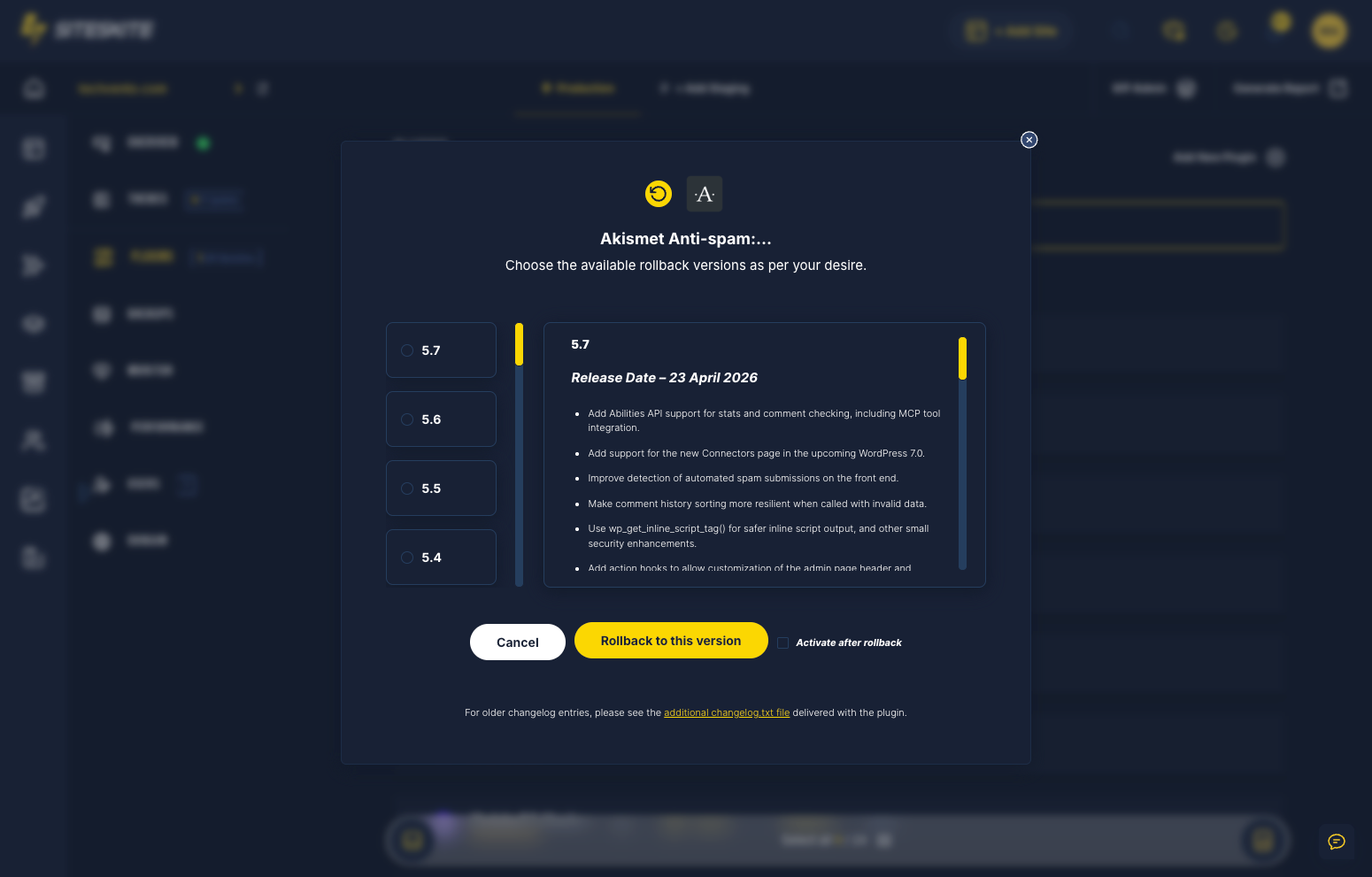
- Rollback Updates revert the breaking plugin version.
- Sandbox future updates so production stops being the test.
Stabilize → diagnose → rollback → harden.
Why this happens
Panic traffic deserves a calm, proven playbook — not forum roulette.
Zero error message
White screen gives no clue — guessing wastes hours.
No SSH access
Many site owners cannot rename plugin folders manually.
Every minute costs
Traffic and conversions hit zero while you debug.
Recovery workflow
Stabilize → diagnose → restore → prevent repeat.
Enable Safe Mode
Bypass conflicting plugins/themes via SiteSkite.
Identify culprit
Review recent updates and error logs.
Rollback or disable
Revert the breaking plugin update.
Verify & harden
Stage future updates in Sandbox.
Why operators trust SiteSkite for WSOD
Built for the moment everything goes blank.
Safe Mode
Emergency admin access when wp-admin will not load.
Pretty Logs
Readable PHP fatals without server panel access.
Rollback
Revert plugin versions without hunting old ZIPs.
Sandbox
Test updates before they touch production again.
SiteSkite recovery tools
Built for the moment everything breaks.
Recovery outcomes
From panic search to resolved incident.
- Agencies restore client sites before standup — without FTP credentials.
- Store owners recover checkout after plugin auto-updates.
- Developers read fatals in Pretty Logs instead of SSH log files.
- Safe Mode becomes the first step in every incident playbook.
A marketing site showed white screen after a SEO plugin auto-update — no FTP credentials available.
Safe Mode on SiteSkite restored wp-admin in 8 minutes; rollback fixed production without hosting support.
“We were back before the client noticed.”
Regain wp-admin without FTP
Safe Mode isolates conflicting plugins and themes so you can access WordPress admin and fix the root cause from SiteSkite.
Site showing a white screen?
Connect SiteSkite and enable Safe Mode — often before hosting support responds.
Start your free trialFrequently asked questions
Site down right now?
Connect your first site in minutes. Sandbox, backups, monitoring, and recovery included on paid plans.