
WordPress disaster recovery plan and tools that work under pressure
Disasters are not IF — they are WHEN. SiteSkite combines automated backups, Safe Mode, plugin rollbacks, and clone-from-backup so you recover from hacks, bad deploys, and host failures without starting over.
7-day trial · No credit card required
Build a WordPress disaster recovery plan that actually runs
A WordPress disaster recovery plan is useless if backups are untested, wp-admin is locked, and tools are scattered across FTP, hosting, and plugins. SiteSkite puts detect → contain → restore → validate in one WebOps layer.
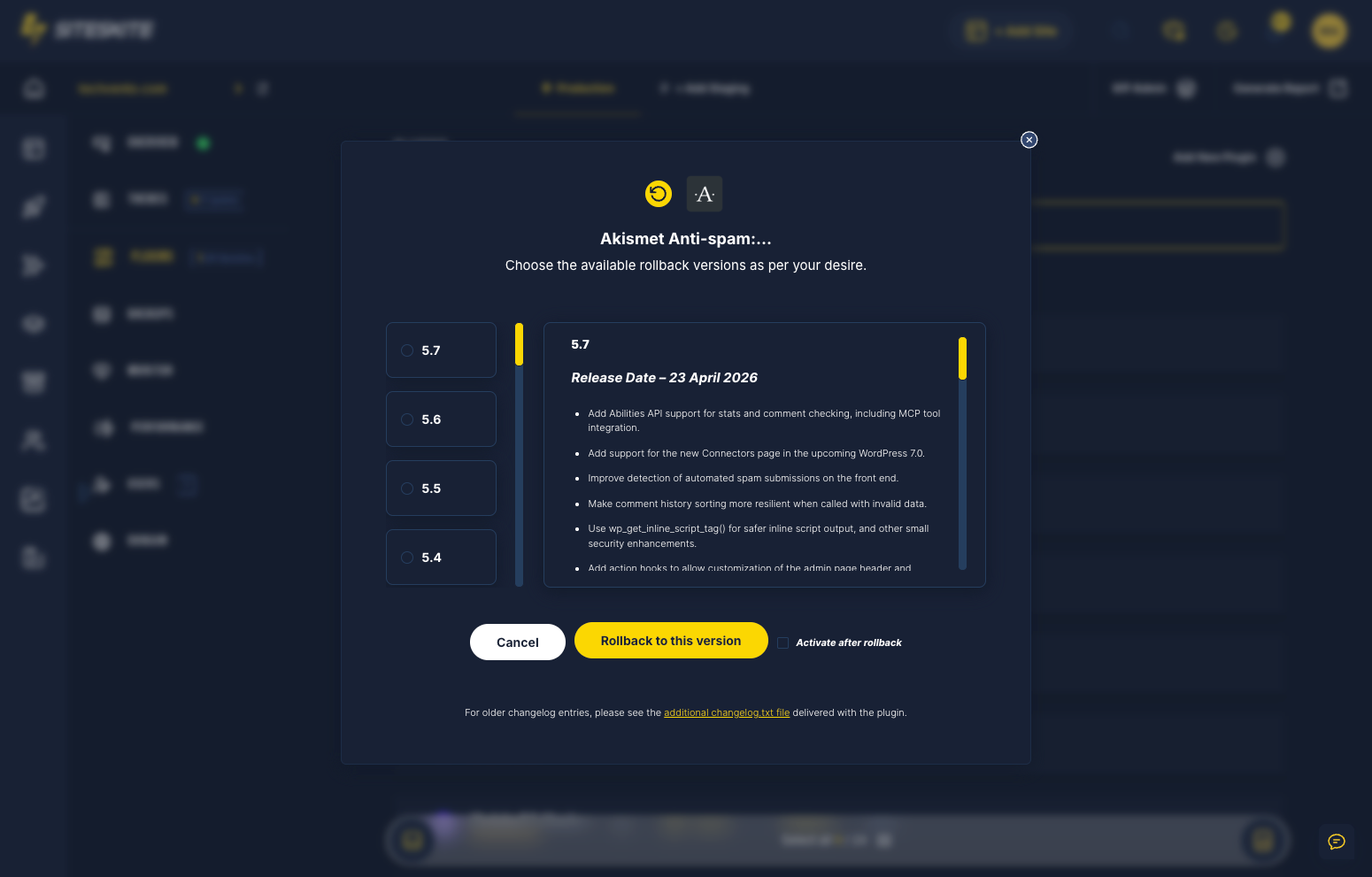
Use this checklist: (1) automated backups with BYO cloud copies, (2) monitoring alerts when sites go down, (3) Safe Mode for fatal errors, (4) plugin rollback for bad updates, (5) full restore for deletes and hacks, (6) Sandbox validation before you trust production again.
Disaster without a playbook
Panic search is not recovery.
No tested restore path
Backups exist but were never validated.
- Restore fails on disaster day.
- No Safe Mode when wp-admin is locked.
- Hours lost to hosting tickets.
Drills beat prayers.
Recovery command center
Stabilize → restore or rollback → validate → harden.
- Restore to Sandbox first.
- Safe Mode for access.
- Rollback for bad deploys.
- Quarterly restore drills.
Know your restore works before you need it.
Recovery without a plan fails
Panic searches and outdated backups cost days of downtime.
Untested backups
Discovering a corrupt backup during crisis doubles the damage.
Locked out of wp-admin
Fatal errors block the UI when you need it most.
No single recovery console
FTP, hosting, and plugin tools in different places slow response.
Disaster recovery workflow
Detect → contain → restore → validate.
Alert & assess
BirdEye and monitoring surface downtime and errors.
Safe Mode access
Regain dashboard access during fatal errors.
Rollback or restore
Revert plugins or restore from backup point.
Validate in Sandbox
Clone restored site for verification before go-live.
Why SiteSkite for this workflow
Operational discipline beats improvised heroics.
Backups
Migration-ready restore points.
Recovery stack
Layered recovery — not a single prayer.
What changes when the workflow is standard
Teams report less panic and more predictable delivery.
- Quarterly Sandbox restores catch backup gaps.
- RTO measured in minutes — not days.
A site was defaced over a weekend. The owner had backups but no tested restore process.
SiteSkite restore to Sandbox validated the backup, then pushed clean state live in hours — not days.
“We had a playbook — not a panic.”
Frequently asked questions
Ready to run WordPress like an operation?
Connect your first site in minutes. Sandbox, backups, monitoring, and recovery included on paid plans.