
WordPress staging environments that teams actually use
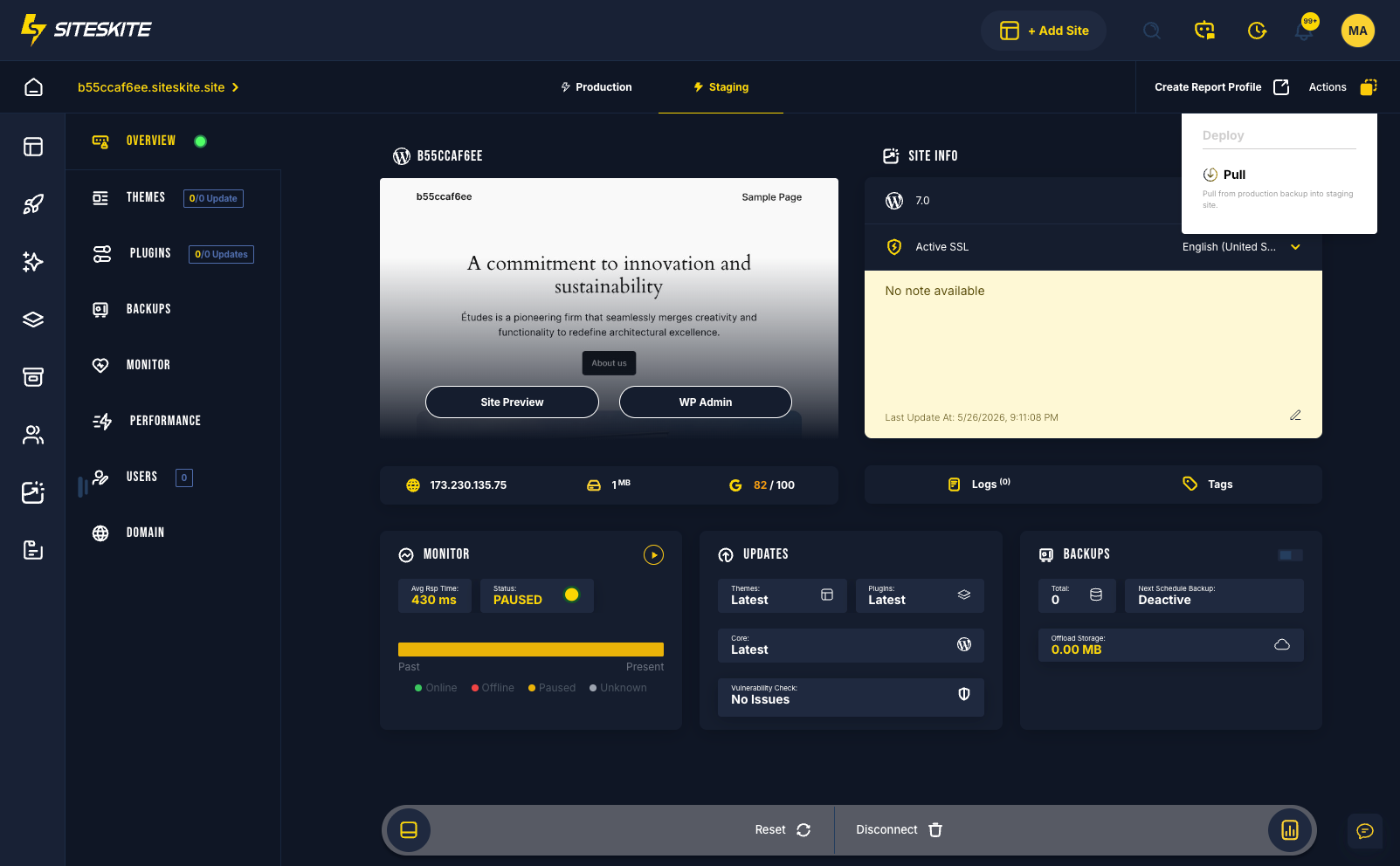
Staging fails when it is hard to create or disconnected from your workflow. SiteSkite includes production/staging links on connected sites and instant Sandbox — so testing happens before every deploy.
7-day trial · No credit card required
Production as test environment
The most expensive QA lab is your live URL.
No staging path
Updates go live because staging is too slow to set up.
- Plugin conflicts on live traffic.
- Client sees broken site first.
- Rollback becomes the only safety net.
Staging should take minutes — not days.
Instant and persistent staging
Sandbox for disposable QA. Staging pairs for linked sites.
- Sandbox in one second.
- Clone from backup for exact replicas.
- Production/staging switcher.
- Client preview before deploy.
If staging is easy, you will actually use it.
Why staging gets skipped
Friction defeats good intentions.
Staging takes too long to provision
When setup is a ticket, teams click update on production.
Staging drifts from production
Outdated staging gives false confidence.
Per-site staging add-ons add up
Agencies pay staging tax on every client account.
Staging workflow
Create → sync → test → promote.
Enable staging link
Pair production with staging on linked sites.
Or launch Sandbox
Instant isolated WordPress for throwaway tests.
Test changes
Plugins, themes, and content updates.
Deploy confidently
Push validated changes to production.
Why SiteSkite for this workflow
Operational discipline beats improvised heroics.
Staging
Pre-production environments.
Relevant features
Staging built into WebOps.
What changes when the workflow is standard
Teams report less panic and more predictable delivery.
- Agencies mandate staging before every client update.
- Sandbox clones replace manual duplicator workflows.
A team skipped staging on a membership plugin update — 2,000 users locked out.
Production/staging on SiteSkite caught the conflict in a five-minute test before deploy.
“Staging is not optional anymore — it is one click.”
Frequently asked questions
Ready to run WordPress like an operation?
Connect your first site in minutes. Sandbox, backups, monitoring, and recovery included on paid plans.