
Restore a Deleted WordPress Website when files or database are gone
Recover files and database from SiteSkite backups after accidental deletes, bad deploys, or hosting mistakes.
7-day trial · No credit card required
When delete means disaster
Human error and hosting mistakes do not wait for convenient timing.
No backup means no undo
Discovery that backups never existed — until the site is gone.
- Wrong folder deleted during cleanup.
- Database dropped during maintenance.
- Hosting account suspended or wiped.
Automated backups turn career-ending mistakes into 30-minute fixes.
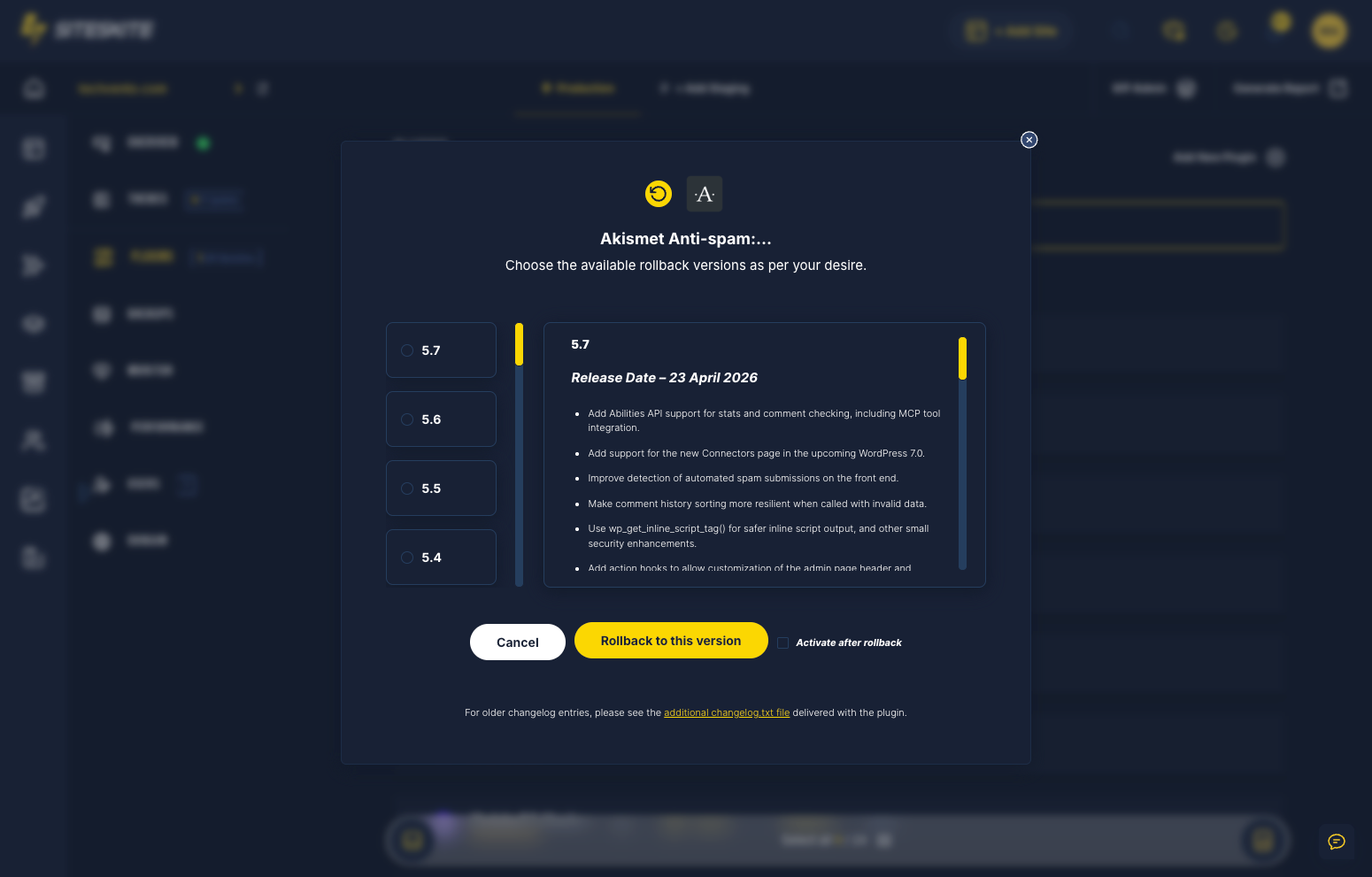
Full restore from SiteSkite backup
Files, database, media — rebuilt from restore point.
- Fresh WP + connector if site is gone.
- Select restore point.
- Full package restore.
- Automate backups going forward.
Backups are insurance you can actually cash in.
Why this happens
Panic traffic deserves a calm, proven playbook — not forum roulette.
Human error
Wrong folder deleted or database dropped during maintenance.
Hosting account issues
Suspended or wiped accounts without local copies.
No local backup habit
Discovery that backups never existed — until now.
Recovery workflow
Stabilize → diagnose → restore → prevent repeat.
Connect or recover access
Fresh WordPress install if needed + SiteSkite link.
Select restore point
Choose last known good backup.
Full restore
Files, database, and media.
Verify & schedule backups
Automate so this never happens again.
Restore workflow
From empty server to live site.
Automated backups
Scheduled restore points.
BYO cloud
Off-server copies.
SiteSkite recovery tools
Built for the moment everything breaks.
Restore outcomes
Recovery without hosting heroics.
- Freelancers recover client mistakes in under 30 minutes.
- BYO cloud copies survive hosting account loss.
A freelancer accidentally deleted a client staging database during cleanup.
SiteSkite backup restore recovered full site in under 30 minutes — client never saw downtime on production.
“Backups turned a career-ending mistake into a 30-minute fix.”
Frequently asked questions
Site down right now?
Connect your first site in minutes. Sandbox, backups, monitoring, and recovery included on paid plans.