
Backup-based migration the safest way to move WordPress
The best migrations start with a verified backup — not a live hack on production. SiteSkite treats backup restore as the migration engine: consistent, repeatable, and rollback-friendly.
7-day trial · No credit card required
Live sync vs backup restore
One optimizes for speed on marketing pages. The other optimizes for success on migration day.
Live migrations multiply failure modes
Sync tools fail silently, backups go untested, and every migration becomes a custom science project.
- Real-time sync breaks on WooCommerce order tables.
- Untested backups fail on restore day.
- No standard playbook across team members.
Backup-first migration is repeatable, rollback-friendly, and testable.
Backup as the migration engine
Verify → restore → validate → cutover. Same steps every time.
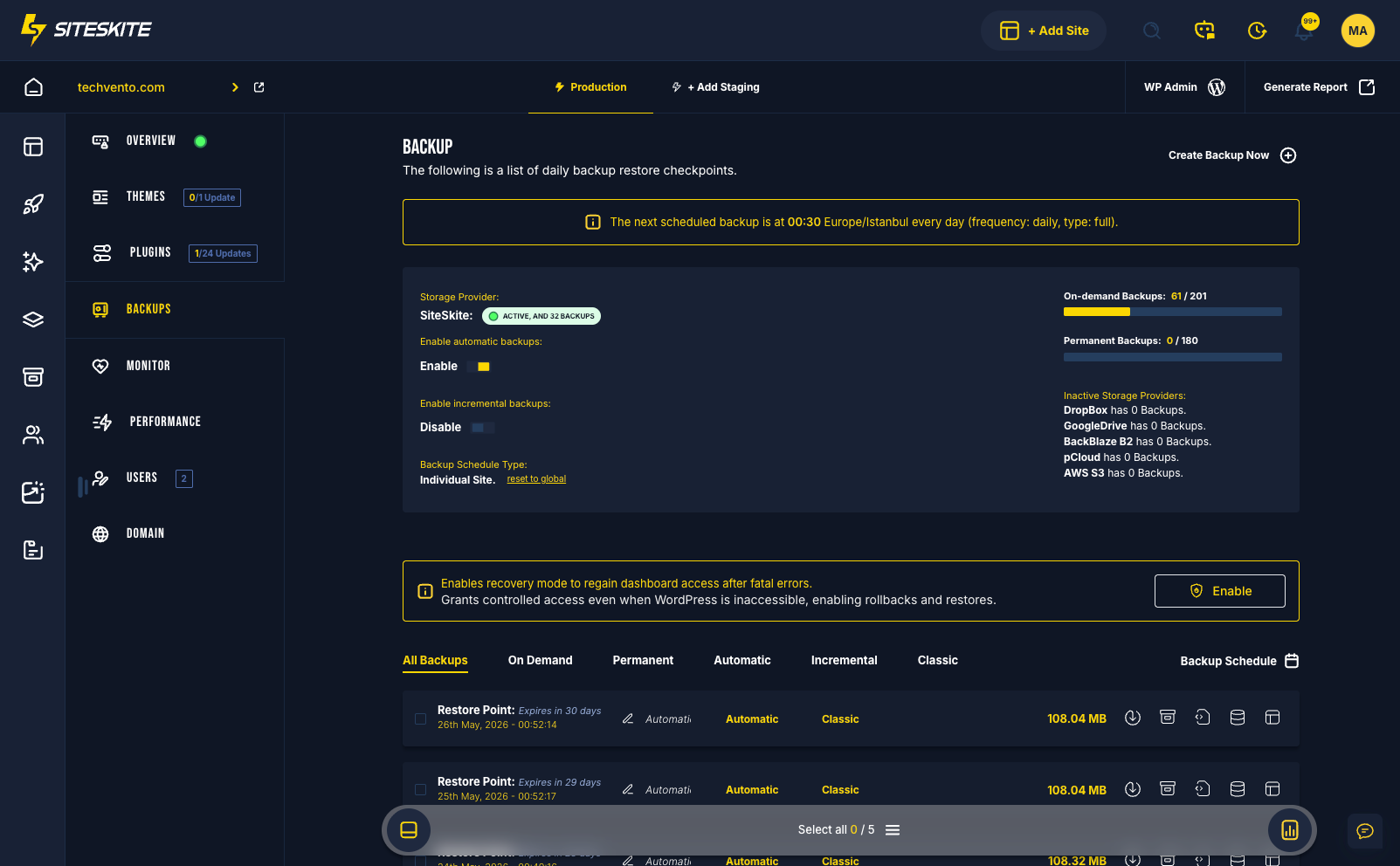
- Automated backups keep restore points current.
- BYO cloud for portable archives.
- Sandbox validation before DNS.
- Source stays live until cutover confirmed.
If you can restore it, you can migrate it.
Live migration risks
Moving production while it is live multiplies failure modes.
Live sync complexity
Real-time sync tools break on plugin conflicts and large tables.
Untested backups
Migration day discovers the backup was empty or corrupt.
Non-repeatable process
Every migration is custom — no playbook.
Backup-first migration
Verify backup → restore → validate → cutover.
Verify backup
Confirm restore point in portal.
Restore to target
Destination WordPress receives full package.
Validate clone
Sandbox QA before DNS.
Cutover & monitor
DNS switch with BirdEye watching.
Backup migration stack
Backups are not just insurance — they are the migration vehicle.
A team used live migration plugins — three failed attempts on a 15GB site.
Backup-based SiteSkite migration succeeded on first restore after Sandbox validation.
“Backup-first is now our only migration policy.”
Adopt backup-first migration
Connect your site and build restore points before your next host change.
Start your free trialFrequently asked questions
Ready to run WordPress like an operation?
Connect your first site in minutes. Sandbox, backups, monitoring, and recovery included on paid plans.