
Clone WordPress sites exact copies — on demand
Need a duplicate for testing, client preview, or migration? SiteSkite clones from backup into Sandbox or destination WordPress — full files, database, and content.
7-day trial · No credit card required
Why manual WordPress clones fail
Copy-paste WordPress is harder than tutorials suggest.
Incomplete clones waste debugging time
Missing uploads, wrong prefixes, and stale database dumps mean the clone does not reproduce the bug you need to fix.
- Duplicator archives fail on large sites.
- Cloning on production risks live incidents.
- Manual copies miss mu-plugins and custom paths.
Clone from a verified backup — full files, database, and media.
Portal-driven clones on demand
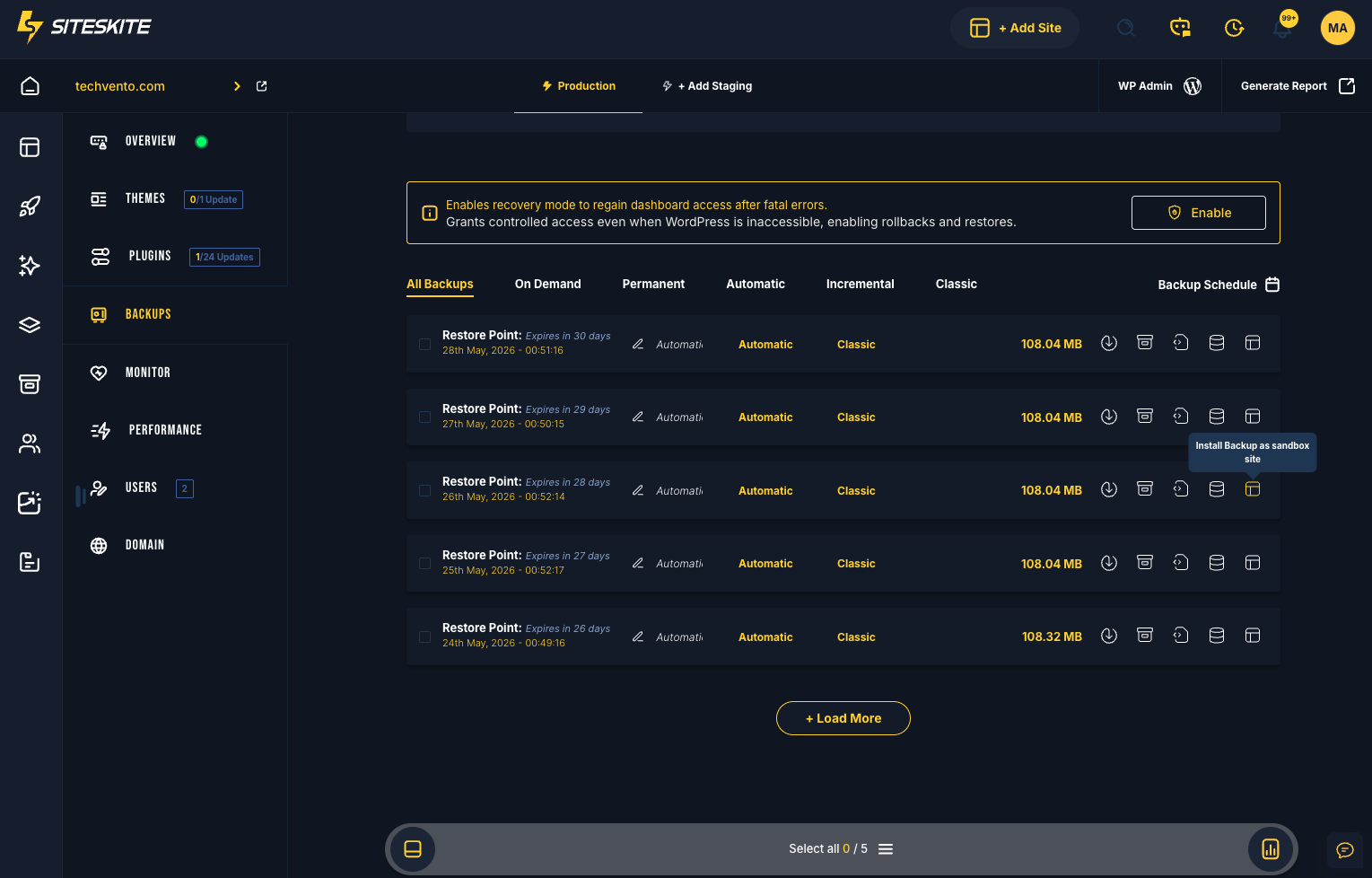
Select restore point → clone to Sandbox or new host → validate → use.
- Exact replica from any backup point.
- Sandbox isolation for zero production risk.
- Blueprint templates from proven clones.
- Migration path: clone → validate → promote to production host.
Clone first. Debug second. Deploy third.
Why manual clones fail
Copy-paste WordPress is harder than it looks.
Partial copies
Missing uploads or wrong table prefixes break clones.
Hours of manual work
Duplicator plugins still need babysitting on large sites.
Cloning on production
Risky operations on live sites cause incidents.
Clone workflow
Backup → clone target → validate.
Select backup point
Choose restore point to clone from.
Clone to Sandbox
Isolated replica for testing.
Or clone to new host
Migration via restore.
Validate & use
Test, demo, or promote.
Relevant features
Cloning as a first-class operation.
A developer needed a production clone to debug a WooCommerce tax bug.
Sandbox from backup on SiteSkite provided an exact replica in minutes — zero production risk.
“Clone first, debug second — always.”
Need a production clone?
Clone from backup to Sandbox in minutes — zero live-site risk.
Start your free trialFrequently asked questions
Ready to run WordPress like an operation?
Connect your first site in minutes. Sandbox, backups, monitoring, and recovery included on paid plans.