
Recover From Fatal Error PHP fatals — fast diagnosis and fix
PHP fatal errors crash WordPress with cryptic messages — or a white screen. SiteSkite Pretty Logs surfaces the exact file and line; Safe Mode and rollback fix the root cause without drowning in hosting error logs.
7-day trial · No credit card required
Fatal errors lock you out
You need the file, line, and plugin — not guesswork.
Cryptic errors, no wp-admin
Fatal error emails do not name the fix. Plugin conflicts cascade.
- PHP 8 breaks legacy plugins.
- Custom code paths fail silently on production.
- No dashboard access to disable plugins.
Pretty Logs + Safe Mode = diagnosis without SSH.
Read, bypass, fix
Logs identify culprit. Safe Mode restores access. Rollback or patch.
- Pretty Logs in portal.
- Safe Mode bypass.
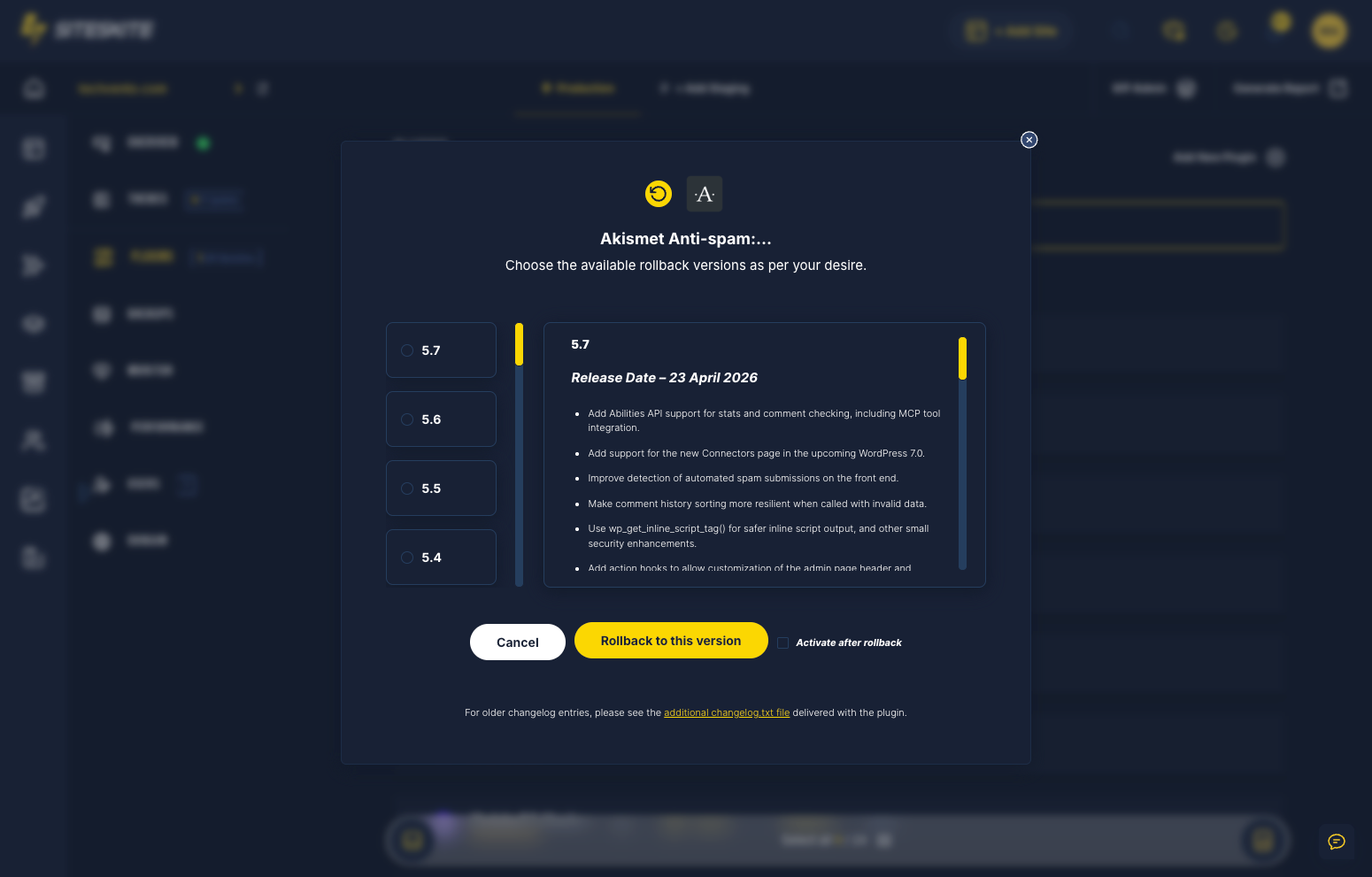
- Rollback breaking update.
- Sandbox retest.
The log tells you what broke — act on it.
Why this happens
Panic traffic deserves a calm, proven playbook — not forum roulette.
Cryptic error messages
Fatal error emails do not name the fix.
Plugin conflict cascades
One fatal takes down entire site.
No wp-admin access
Cannot disable plugin from dashboard.
Recovery workflow
Stabilize → diagnose → restore → prevent repeat.
Read Pretty Logs
Identify file, line, and plugin.
Safe Mode
Bypass fault to reach admin.
Rollback or patch
Revert or update offending code path.
Sandbox retest
Validate fix before declaring resolved.
Debug stack
Logs and emergency access.
Pretty Logs
Readable PHP errors.
SiteSkite recovery tools
Built for the moment everything breaks.
Fatal recovery
15-minute resolution paths.
- PHP 8 incompatibilities identified in logs.
- Safe Mode restores admin during triage.
Custom plugin PHP 8 incompatibility caused fatal error — site down, client on phone.
Pretty Logs identified the plugin; Safe Mode + rollback restored service in 15 minutes.
“The log told us exactly what broke — no guessing.”
Frequently asked questions
Site down right now?
Connect your first site in minutes. Sandbox, backups, monitoring, and recovery included on paid plans.