
Product update
AI Site Studio lands — plus denser grids, sharper security, and reports that look client-ready
Generate a WordPress site from a prompt, install plugins on WP.Show with dependencies handled, see more sites on 4K displays, catch threats earlier, and send reports that communicate confidence.
6 min read
Why this update
What started as a vision to simplify WordPress management is evolving into something bigger — less tool-switching, more operating at scale. This release covers the updates that landed together: create from a prompt, install faster, see more of your portfolio, catch threats earlier, and hand clients reports that look as confident as the work itself.
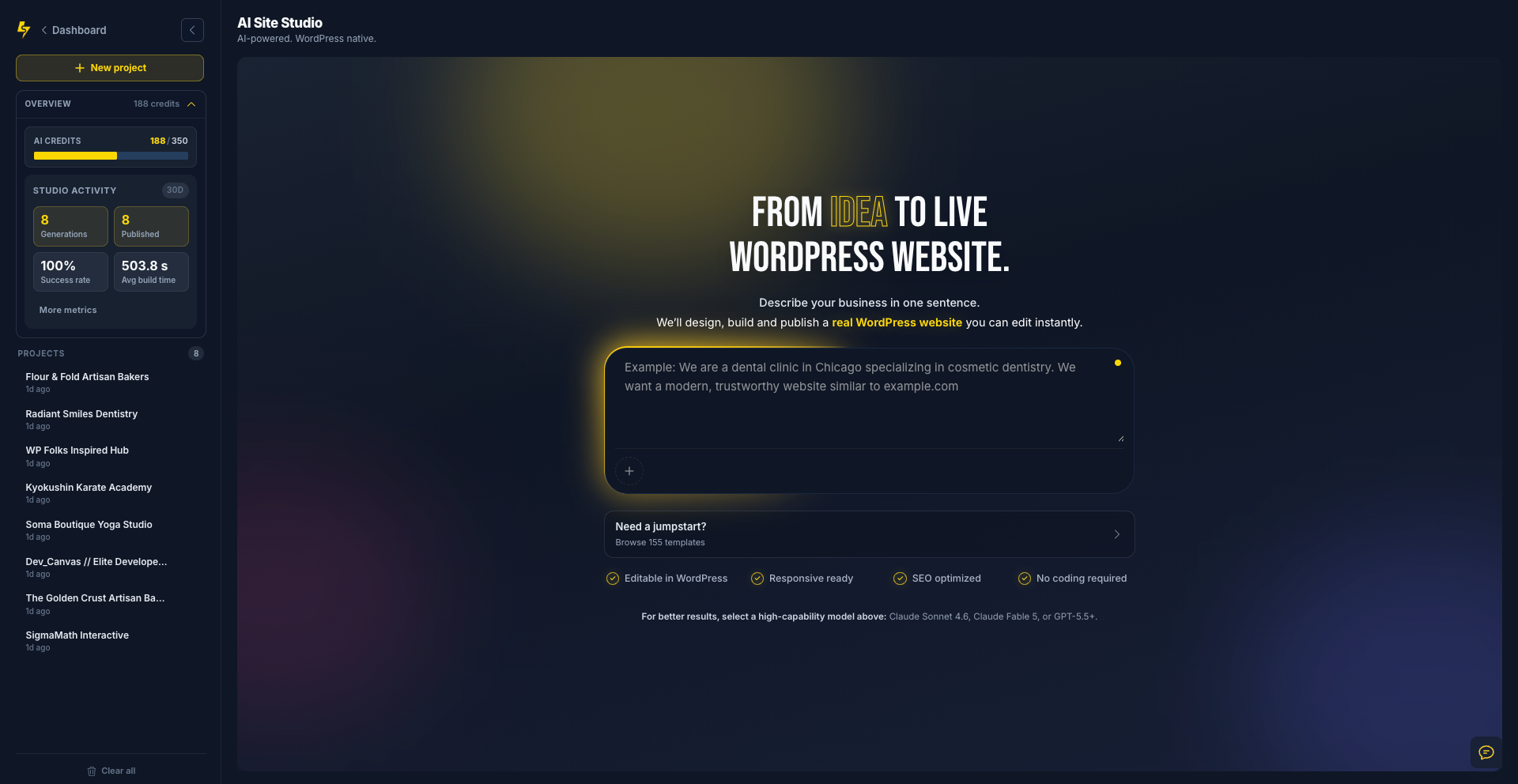
From a prompt to a real WordPress website
Describe your business, idea, or project — SiteSkite AI Site Studio can create a WordPress website for you in minutes. We’re improving it every day, but watching sites come to life from a simple idea already changes the first-build conversation.
The long-term goal is simple: less building, more creating — so agencies spend time on strategy and polish, not blank themes and page-builder lock-in.
Install plugins once — dependencies included
Install WordPress plugins directly through WP.Show — a single plugin or a full stack — without bouncing between tabs and discovering missing requirements after the fact.
WP.Show now automatically handles plugin dependencies when required. Less clicking. Less troubleshooting. More shipping.
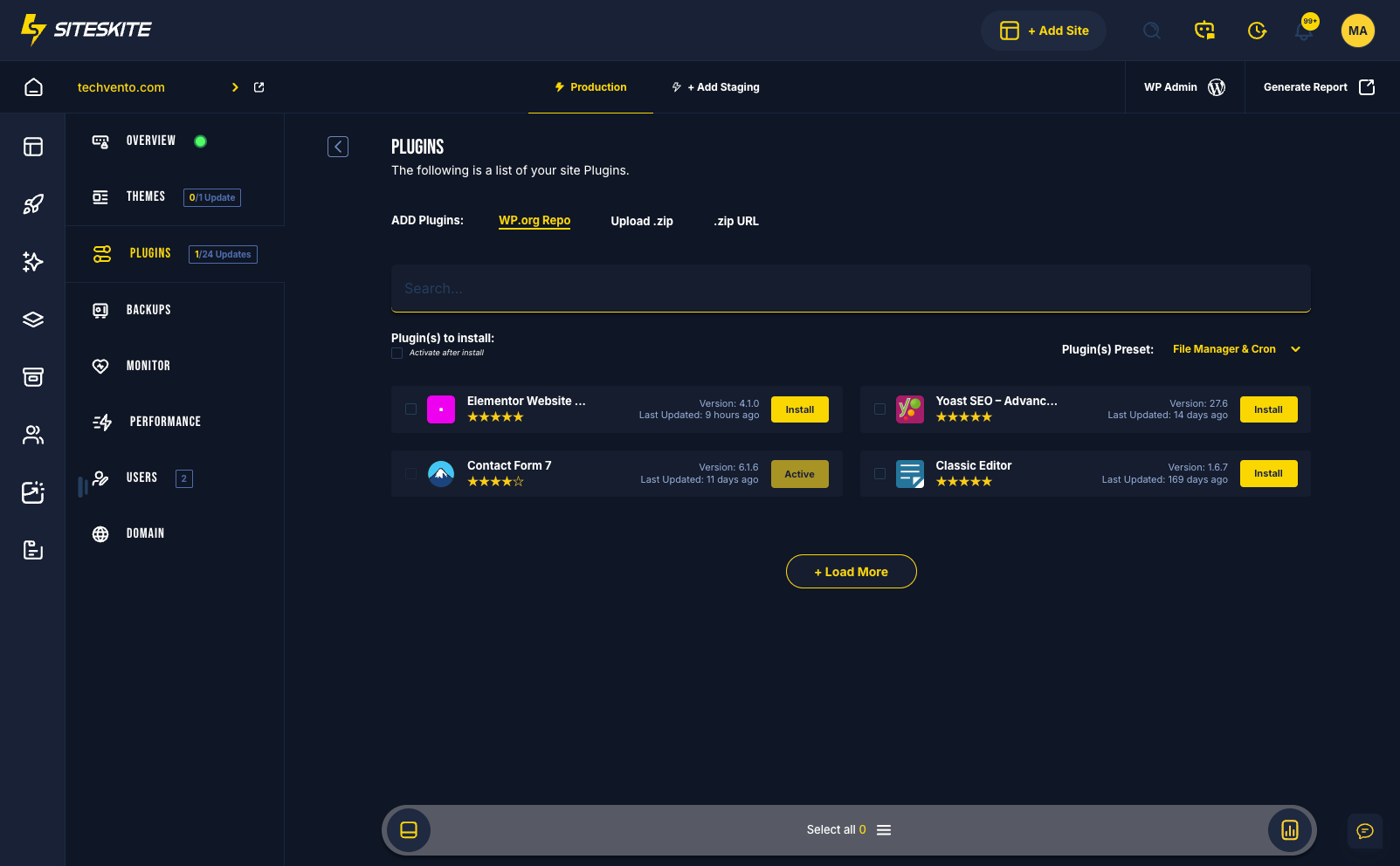
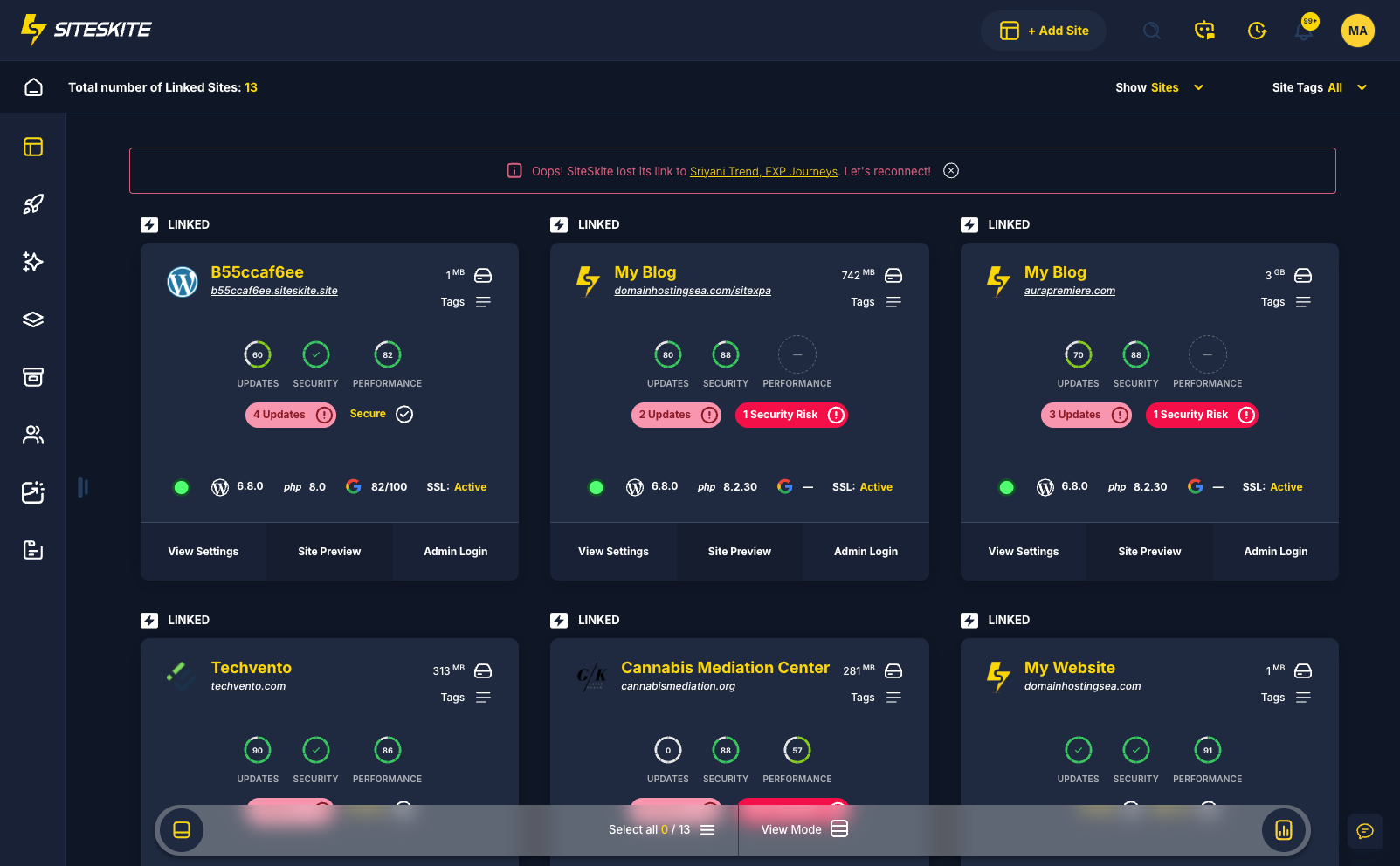
Dense Grid mode for agencies on 4K screens
Many agencies manage dozens or hundreds of websites. On large monitors and 4K displays, Dense Grid lets you see significantly more sites and information at once while keeping clarity and usability.
Small improvement. Huge productivity gain — especially when your day is spent scanning a portfolio, not hunting for the next card.
Catch the threat before it becomes the incident
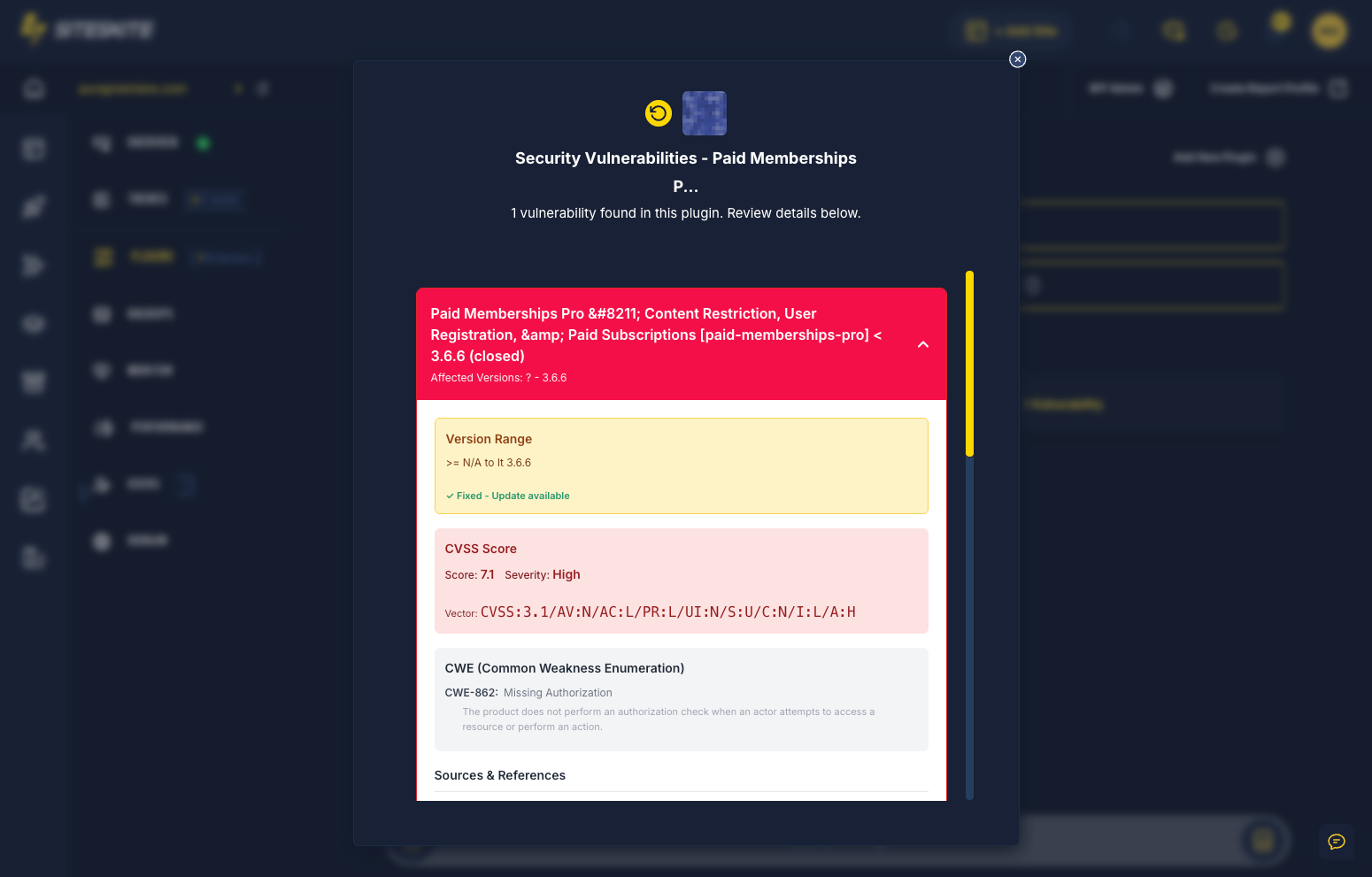
We’ve expanded virus detection capabilities and improved visibility into potential threats. The goal is website health monitoring that stays proactive — not a scramble after something already broke.
The best security issue is the one you catch before it becomes a problem for the client.
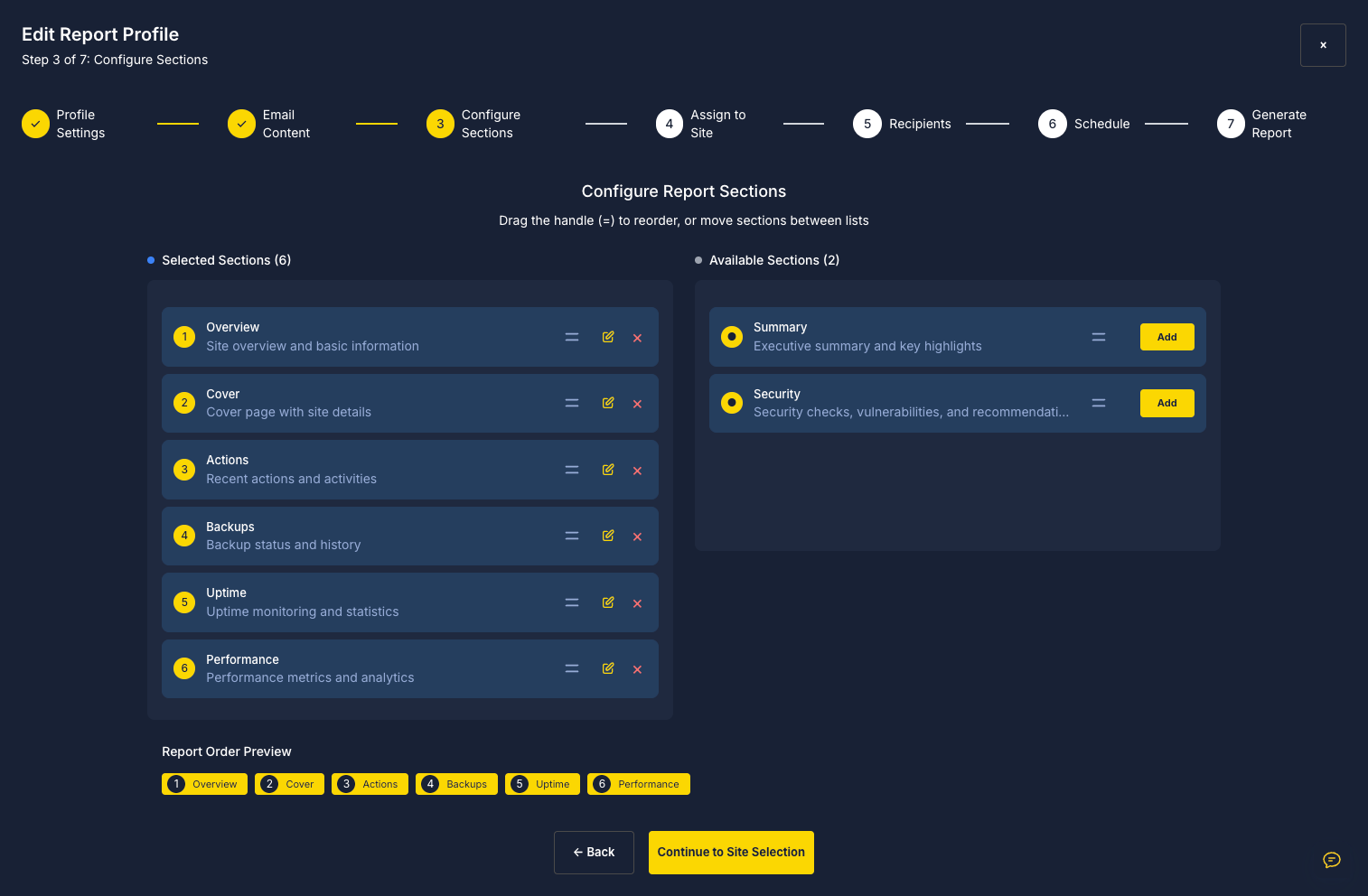
Reports that communicate confidence — not just data
Reports received a complete styling refresh — cleaner, easier to read, and more professional for clients and teams.
A good report shouldn’t just contain information. It should communicate confidence. Small details matter when you’re handing work to a client.
What’s next
Every update moves us closer to a future where launching, maintaining, securing, backing up, and creating WordPress sites requires less effort and fewer tools. We’re building SiteSkite to become the operating system for WordPress professionals.
We’ve also started a private Facebook community for SiteSkite users, founders, developers, and agencies — infrastructure, security, WordPress management, feature ideas, and everything happening around the platform.
Most WordPress tools help you maintain websites. SiteSkite is being built to help you operate at scale — and we’re just getting started.
See what just shipped
Open AI Site Studio with a one-sentence brief, try Dense Grid on your portfolio, and send a report that looks as sharp as the work behind it.
Explore AI Site StudioMore from SiteSkite
Recent launches and platform updates worth reading next.