
Feature
Stop staring at a blank MCP prompt — start from the jobs you already run
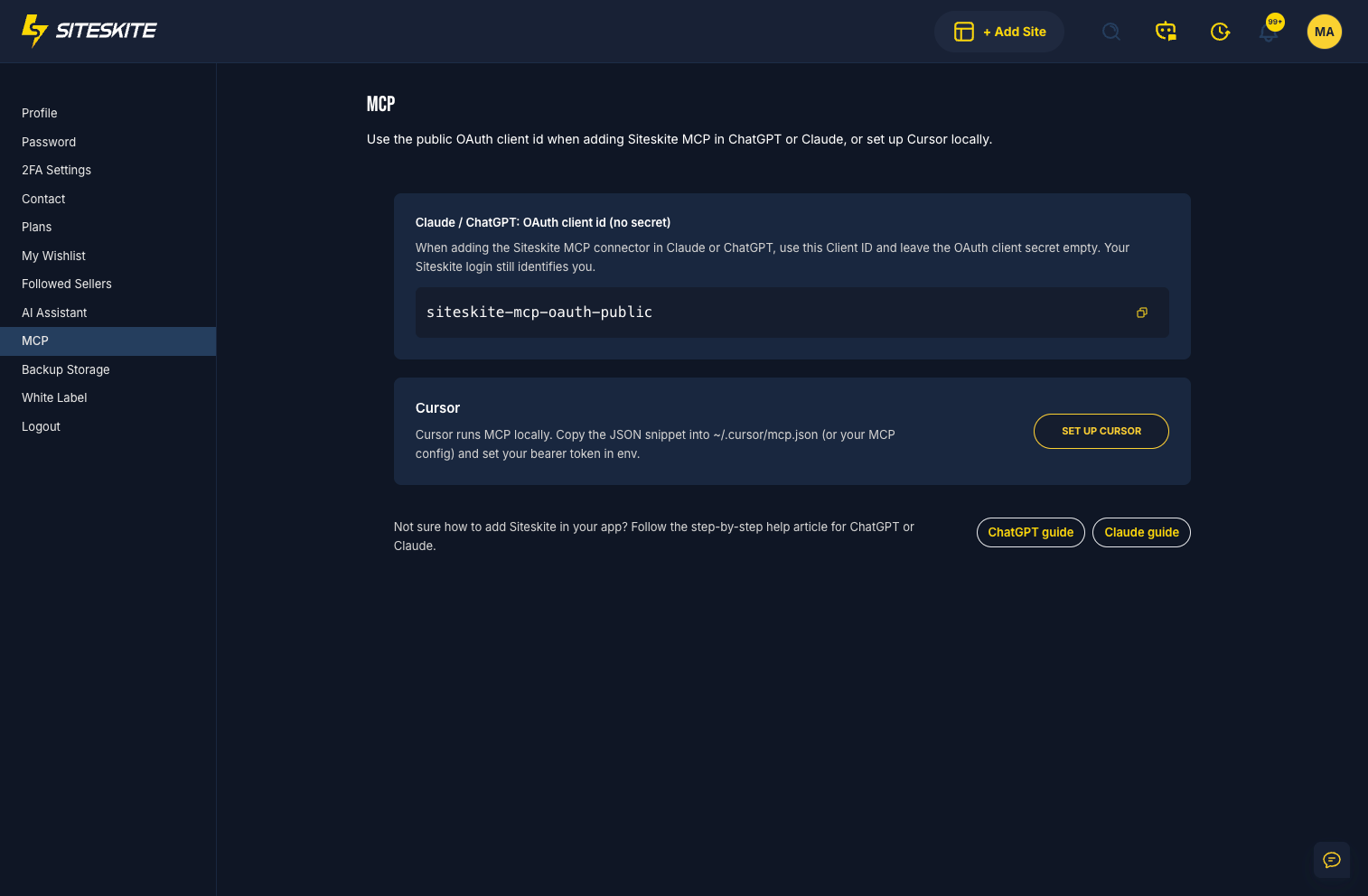
SiteSkite MCP now opens with a short menu for Elementor builds, WooCommerce, SEO, and blog work — so your AI agent starts useful on day one.
4 min read
MCP is powerful when you already know what to ask. Most of the week, you don’t want to redesign the prompt — you want the job done: an Elementor landing page, a Woo coupon, SEO cleanup, a draft blog post.
Stop burning minutes on empty chat boxes
Every empty chat burns minutes. Juniors stall. Seniors retype the same brief. Clients wait while someone remembers the “right” way to ask.
The quick-start menu removes that tax by putting the jobs agencies run every week at the front door of SiteSkite MCP.
Elementor, Woo, SEO, and blog — ready to run
When MCP opens, you get a short menu of jobs for your site: Elementor builds, WooCommerce coupons and products, SEO work, and blog posts.
Guided jobs sit on top of the same connector you use for fleet work — so day-one usefulness and advanced playbooks share one surface.
How it fits SiteSkite MCP
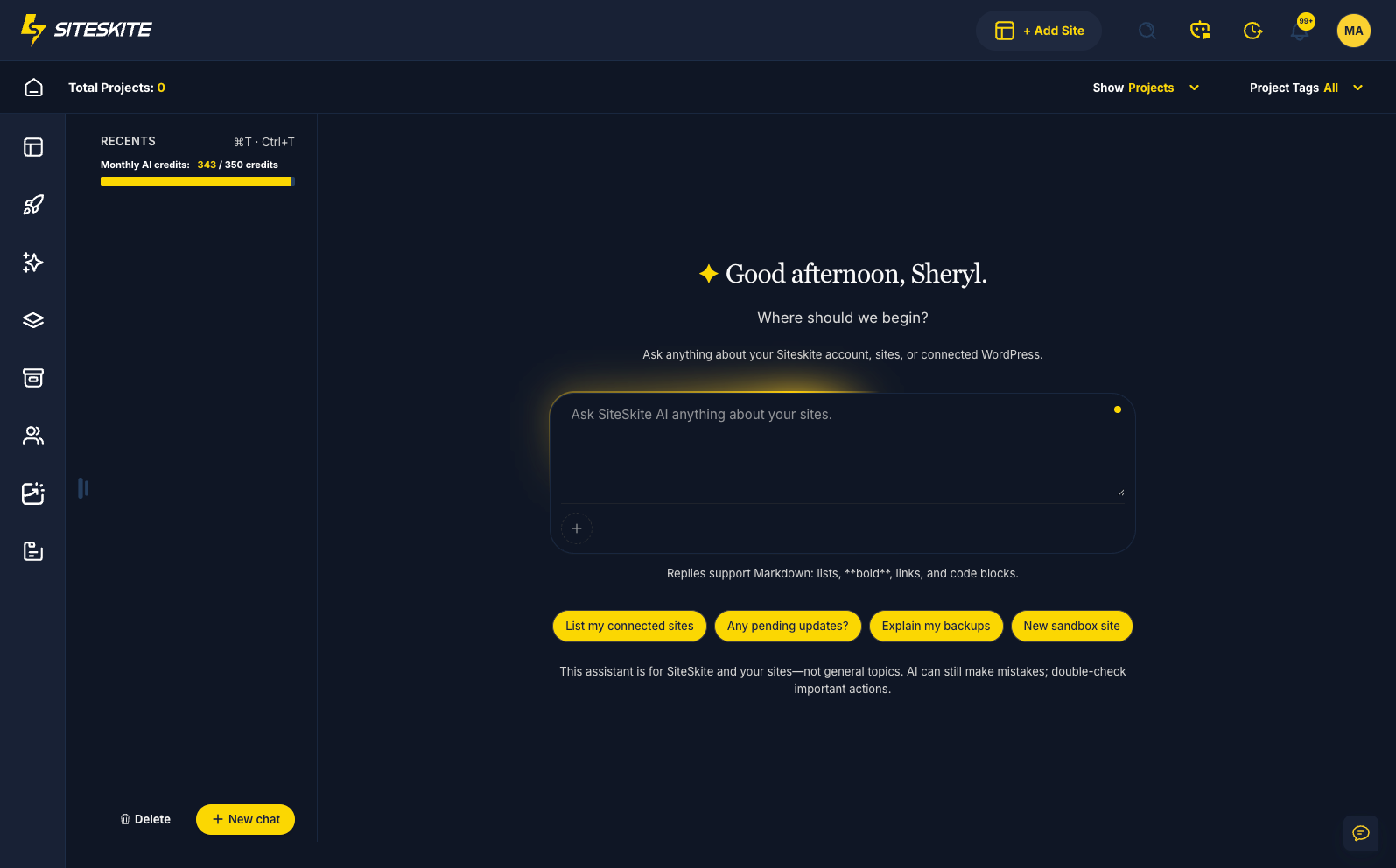
Quick-start is the default path. Custom skills and MCP Recipes are the advanced path. Install SiteSkite Link, Quick Connect your AI, optionally set Platform AI / WordPress AI / Off per linked site, then describe the job — or pick it from the menu and go.
- Free on one site with no SiteSkite account required for on-site WordPress AI.
- Link sites in SiteSkite when you need backups, sandboxes, and portfolio-wide tools from the same conversation.
- Upload .md playbooks when your agency process is ready to become a skill.
Who it’s for
- Agencies onboarding teammates who shouldn’t need to memorize prompt patterns.
- Freelancers who want MCP help without designing a custom skill first.
- Anyone already in SiteSkite who wants the next job one click closer.
Your next step
Connect MCP, open the quick-start menu, and run one real job on a staging or sandbox site first. When the same brief repeats weekly, encode it as a skill or generate a filled prompt with MCP Recipes.
Get SiteSkite MCPMore from SiteSkite
Recent launches and platform updates worth reading next.