
Product update
More models under your control, safer plugin installs, and a security win you can show clients
Choose the AI model that fits the job, install plugins on WP.Show with dependencies handled, test with WPFolks in a real sandbox — and ship with VirusDie.com-validated confidence in the SiteSkite plugin.
5 min read
Why this matters
Most WordPress tools help you maintain websites. SiteSkite is built to help you operate at scale — and progress only counts when it changes how you work day to day.
This update covers four practical wins: more AI models you can choose and compare, third-party security validation on the SiteSkite plugin, faster plugin installs on WP.Show, and a WPFolks partnership that puts discovery inside a real sandbox — not “install and hope.”
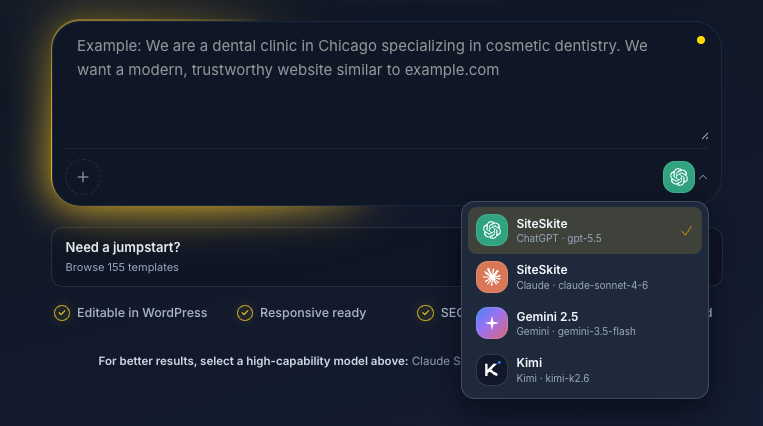
Different models behave differently — stop shipping with one default
We’ve added support for Claude 4.7, Claude 4.8, Fable 5, Sonnet 5, and ChatGPT GPT-5.5. One might write cleaner. Another might think better. When you’re building real sites for real clients, a single locked model is a tax on quality.
Try them. Compare them. Keep what works — especially when Bring Your Own Model keeps billing and provider choice under your control.
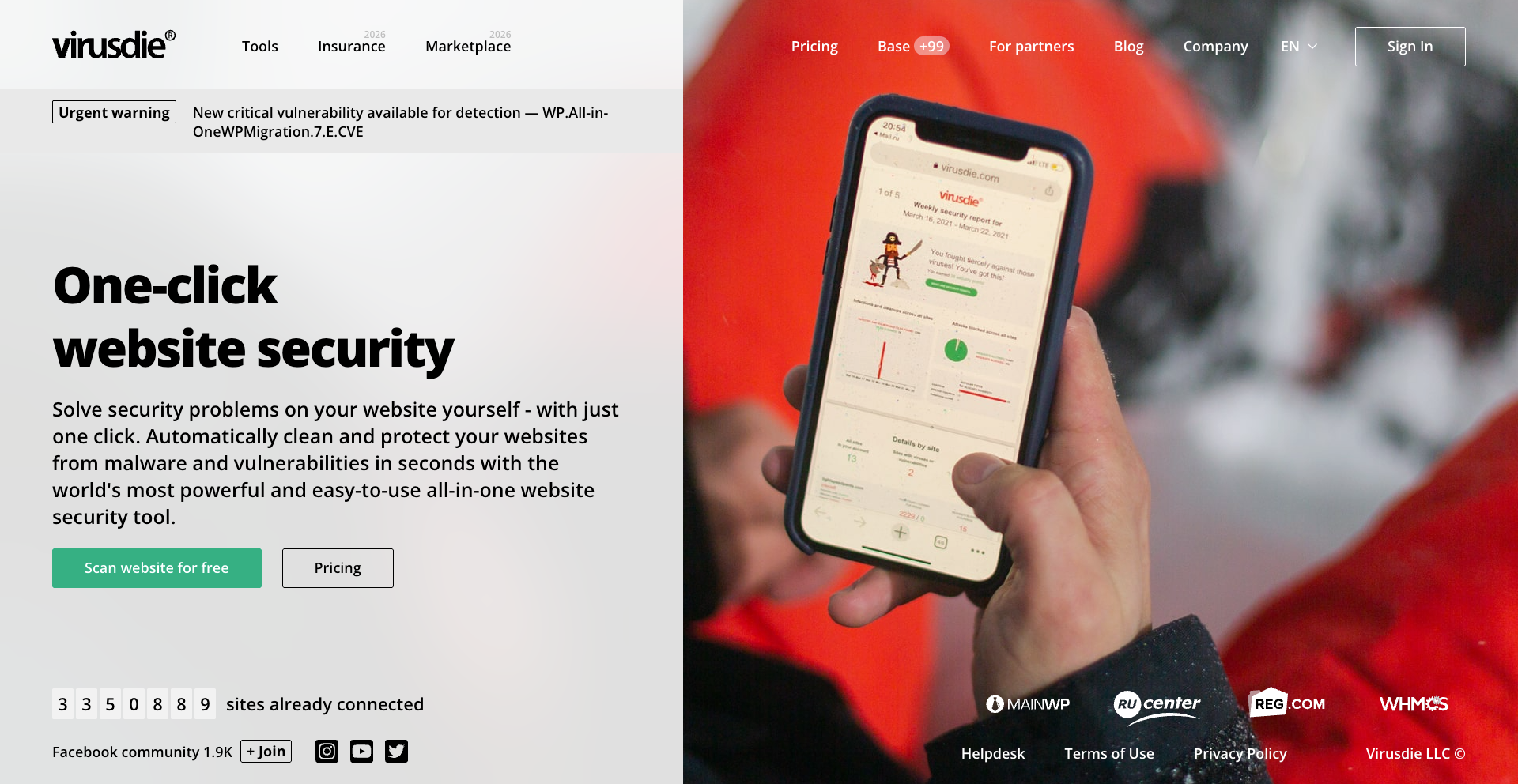
VirusDie.com validated the SiteSkite plugin — so trust is easier to explain
VirusDie reviewed and validated the SiteSkite plugin against industry-standard security practices. Every detail was looked at carefully — the kind of third-party pass agencies can show clients without hand-waving.
Validation doesn’t replace good engineering. It confirms we’re building the way we claim to build: carefully, with security treated as a first-class concern across every site you manage.
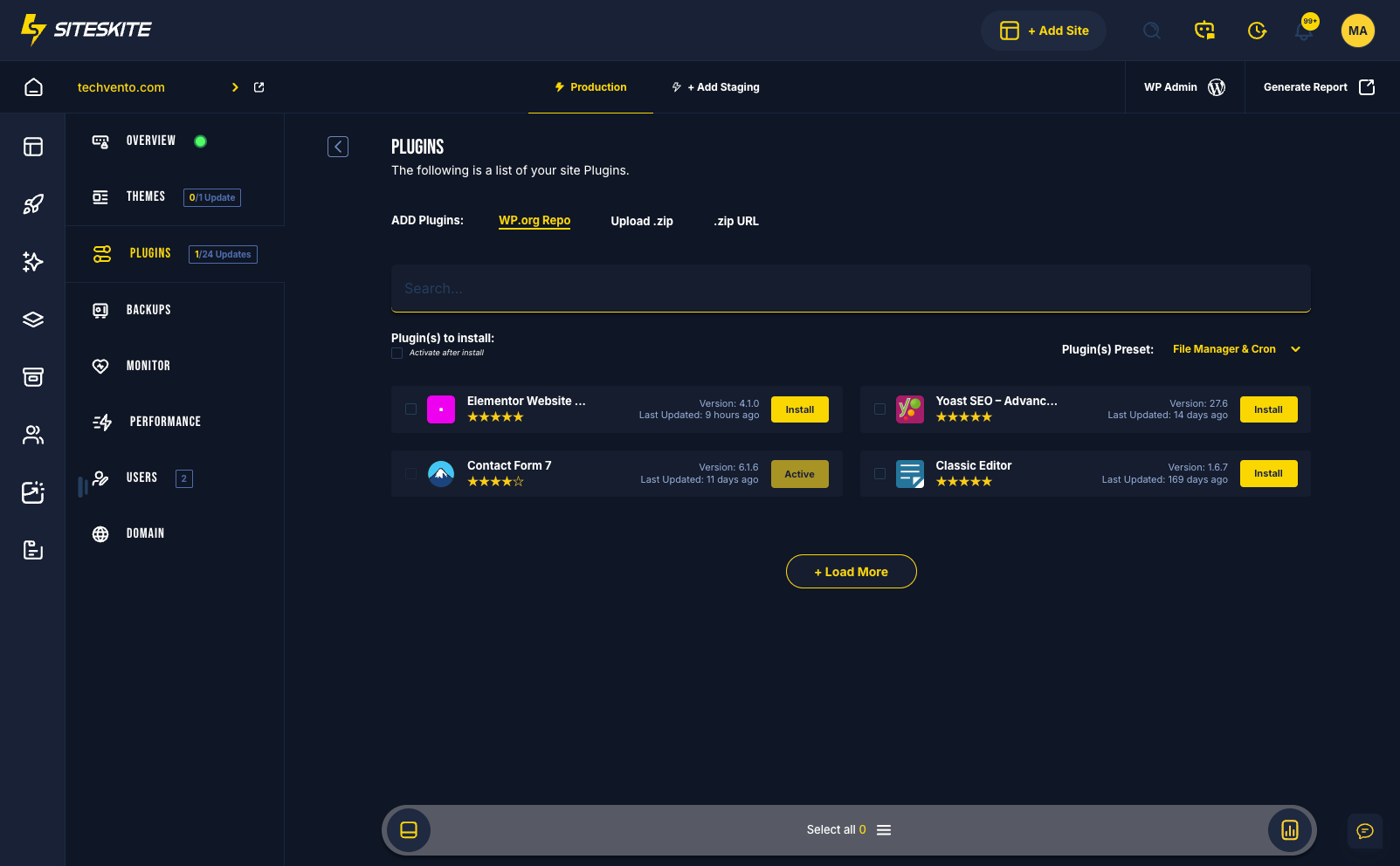
Install plugins once — dependencies included, troubleshooting cut
You can install WordPress plugins directly through WP.Show — a single plugin or a stack — without bouncing between tabs and missing required dependencies after the fact.
WP.Show now automatically handles plugin dependencies when required. Less clicking. Less troubleshooting. More shipping.
Discover plugins on WPFolks — test them in a SiteSkite sandbox
We collaborated with WPFolks.org to launch their plugins listing against SiteSkite demo sandbox sites. People can discover plugins and try them closer to a real workflow — not a fragile “install on production and hope.”
This is the kind of partnership that matters: useful in practice, not just a logo on a page. If you evaluate plugins before they touch a client site, the path just got less fragile.
What’s next
SiteSkite AI Studio is going through a major update. The first version was an early launch — what’s coming next is more advanced, and it’s going live soon.
We’ve also started building a private Facebook community for SiteSkite users, founders, developers, and agencies to discuss infrastructure, security, WordPress management, feature ideas, and everything happening around the platform.
Most WordPress tools help you maintain websites. SiteSkite is being built to help you operate at scale — and we’re just getting started.
Operate at scale — start here
Pick the model that fits the job, install plugins without dependency surprises, and test safely in a sandbox before anything touches a client site.
Explore Bring Your Own LLMMore from SiteSkite
Recent launches and platform updates worth reading next.